
PostViews
PostViews
WP-PostViews enables you to display the number of times a post/page has been viewed by users on your website. Through this plugin, you can reward post authors with myCred points every time their content is viewed.
Add-on Setup
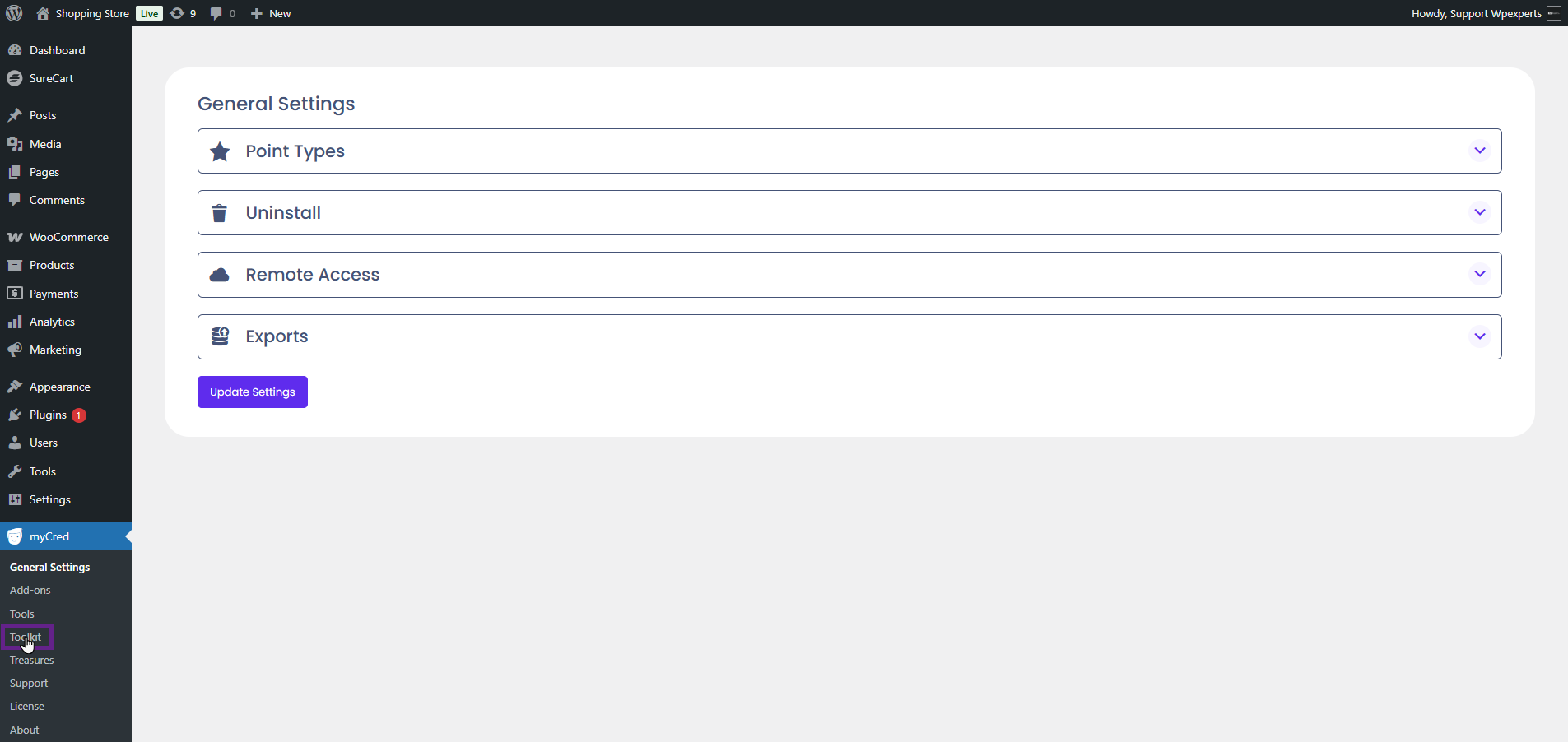
- Navigate to the Admin Dashboard > myCred > Addons.
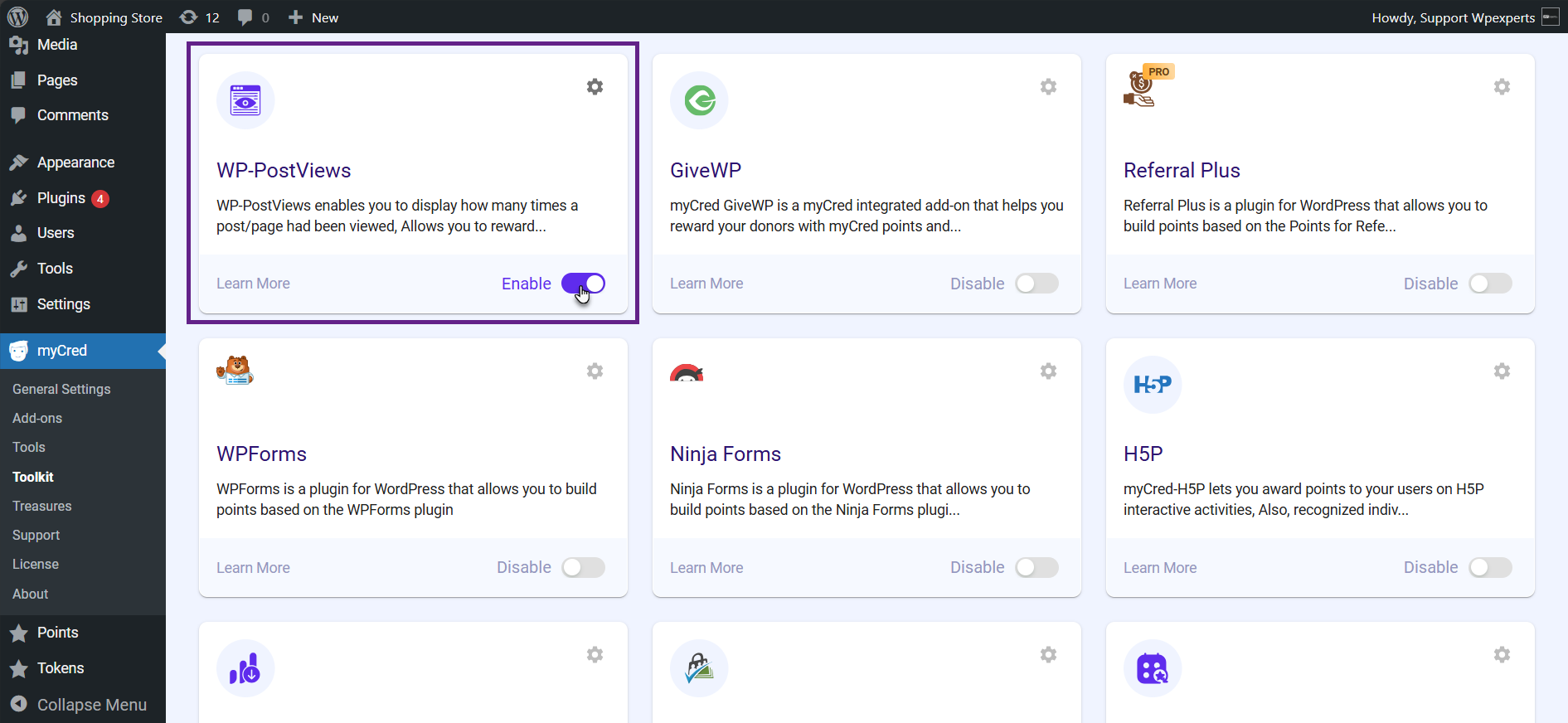
- Activate the WP-PostViews toggle button.
Note: Ensure that the WP-Post Views plugin is installed and activated.
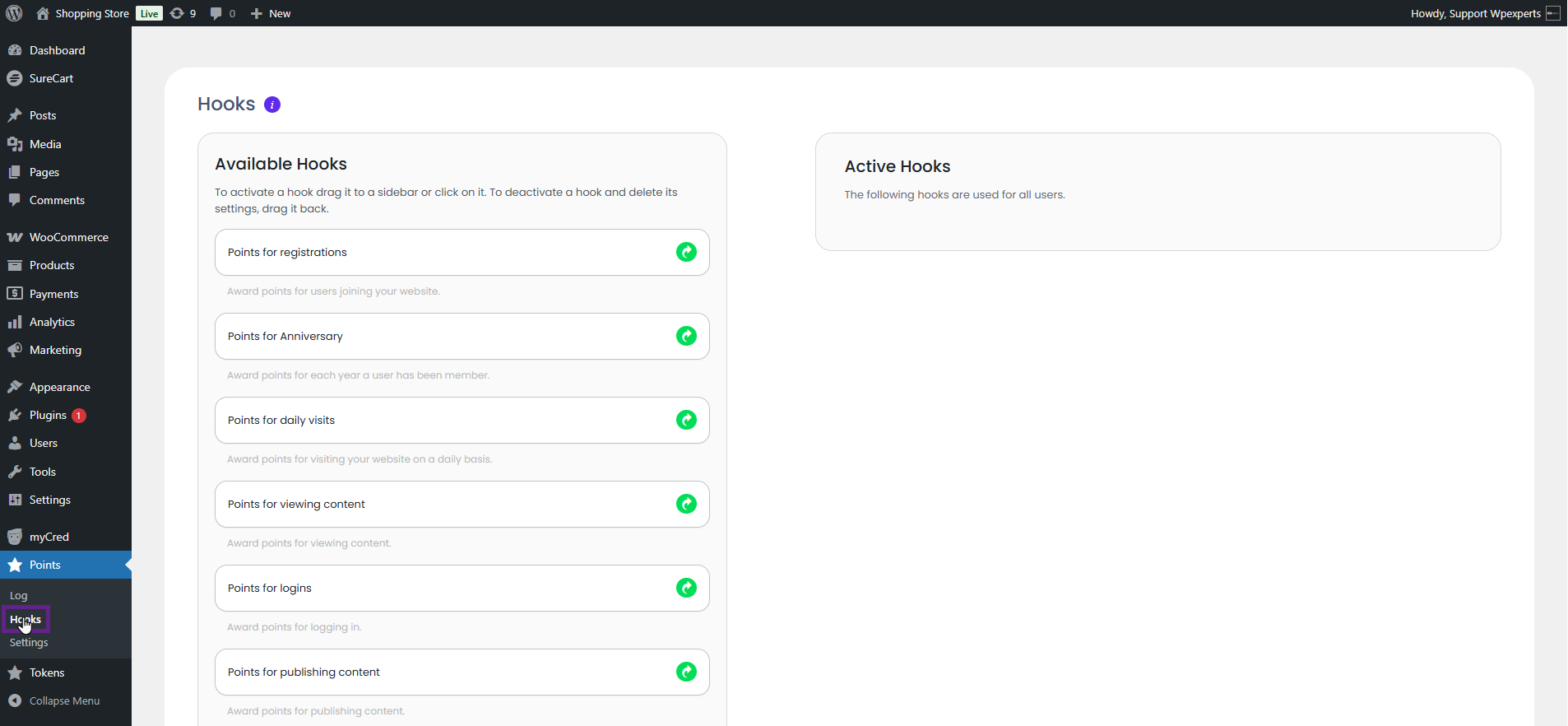
- Now, navigate to the Admin Dashboard > Point type > Hooks.
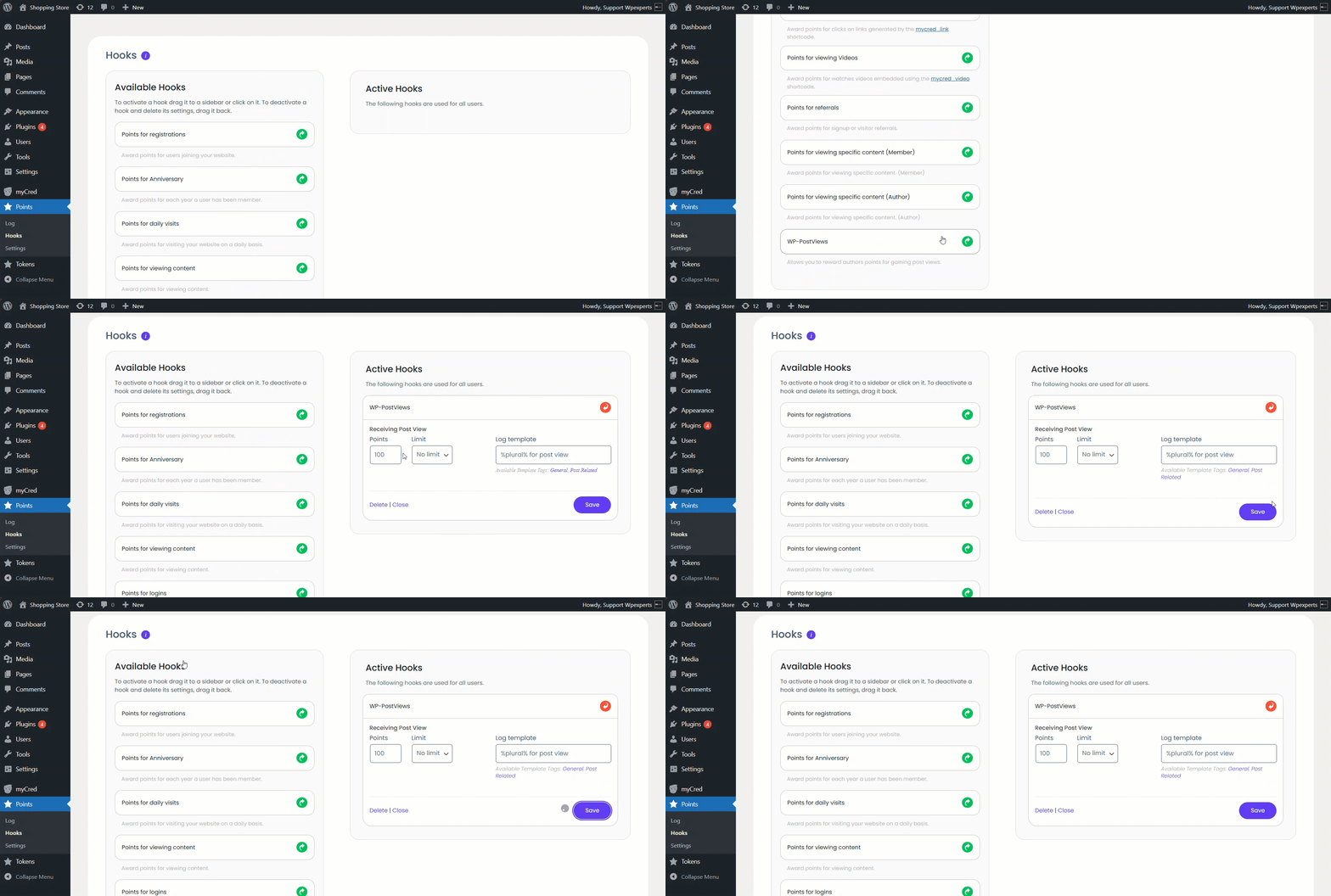
- Drag and drop the WP-PostViews hook to the Active Hooks section.
- Adjust the hook settings according to your needs and click the Save button.
- Navigate to the page on your website where the posts are displayed.
- Click the post link.
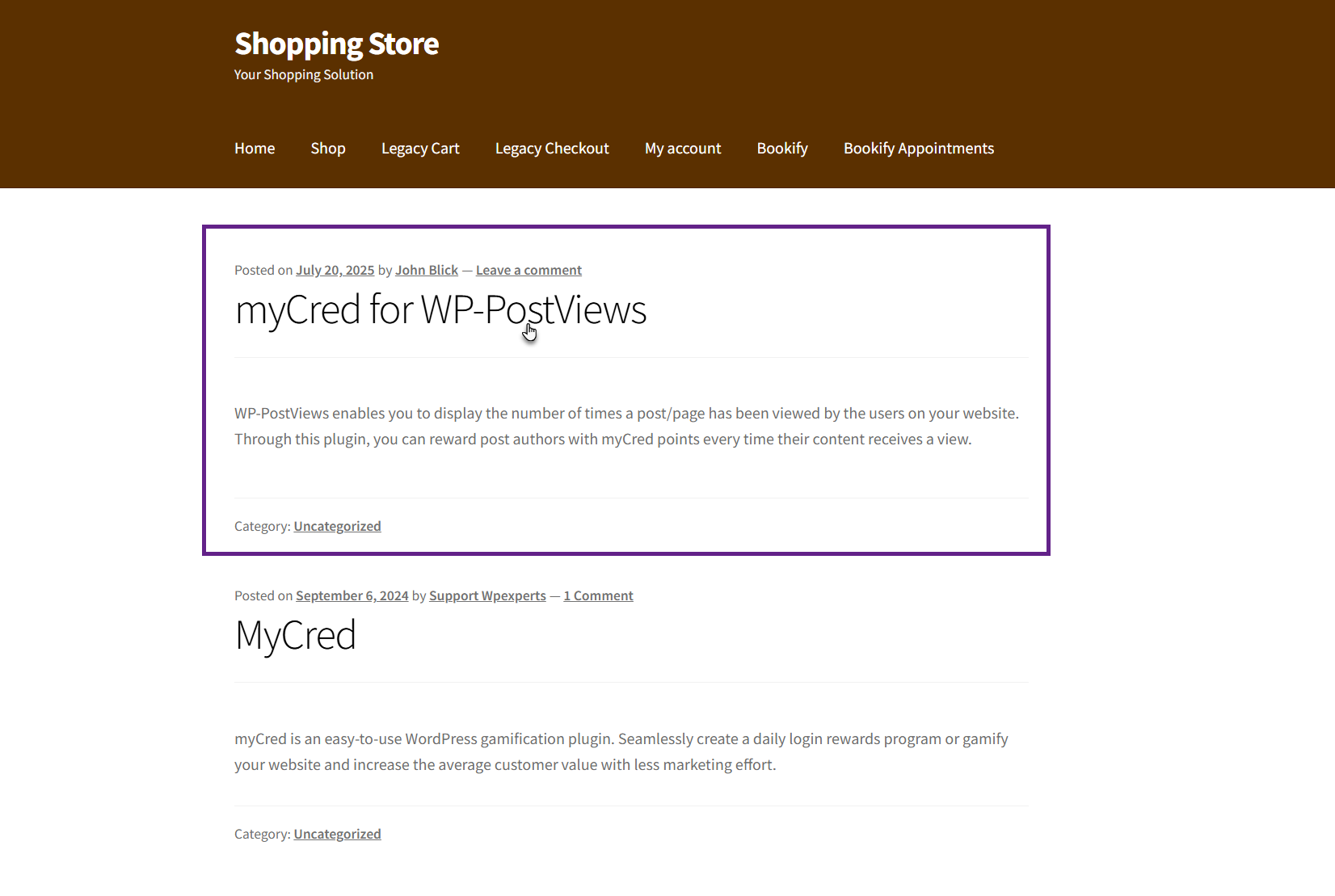
- Now, whenever a post is viewed, the author of that post will receive points. This can be verified from the points log.
