myCred Integration Booking Calendar
myCred Integration Booking Calendar
- The myCred Booking Calendar add-on allows admins to reward users with points for making bookings via Booking Calendar.
Note: Ensure that the Badges add-on is activated from Admin Dashboard > myCred > Add-ons.
Add-on Setup
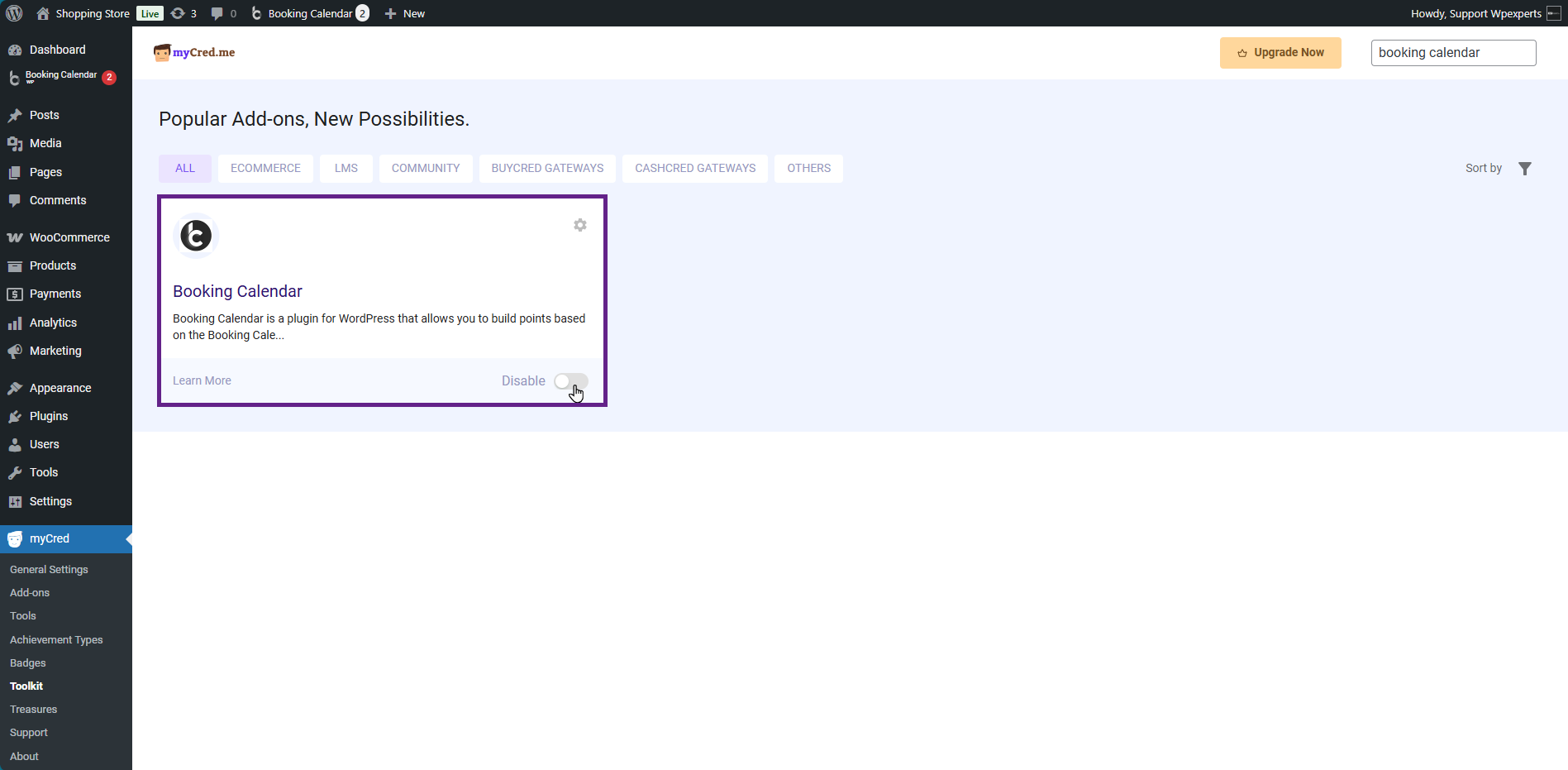
- Go to the Admin Dashboard > myCred > Addons.
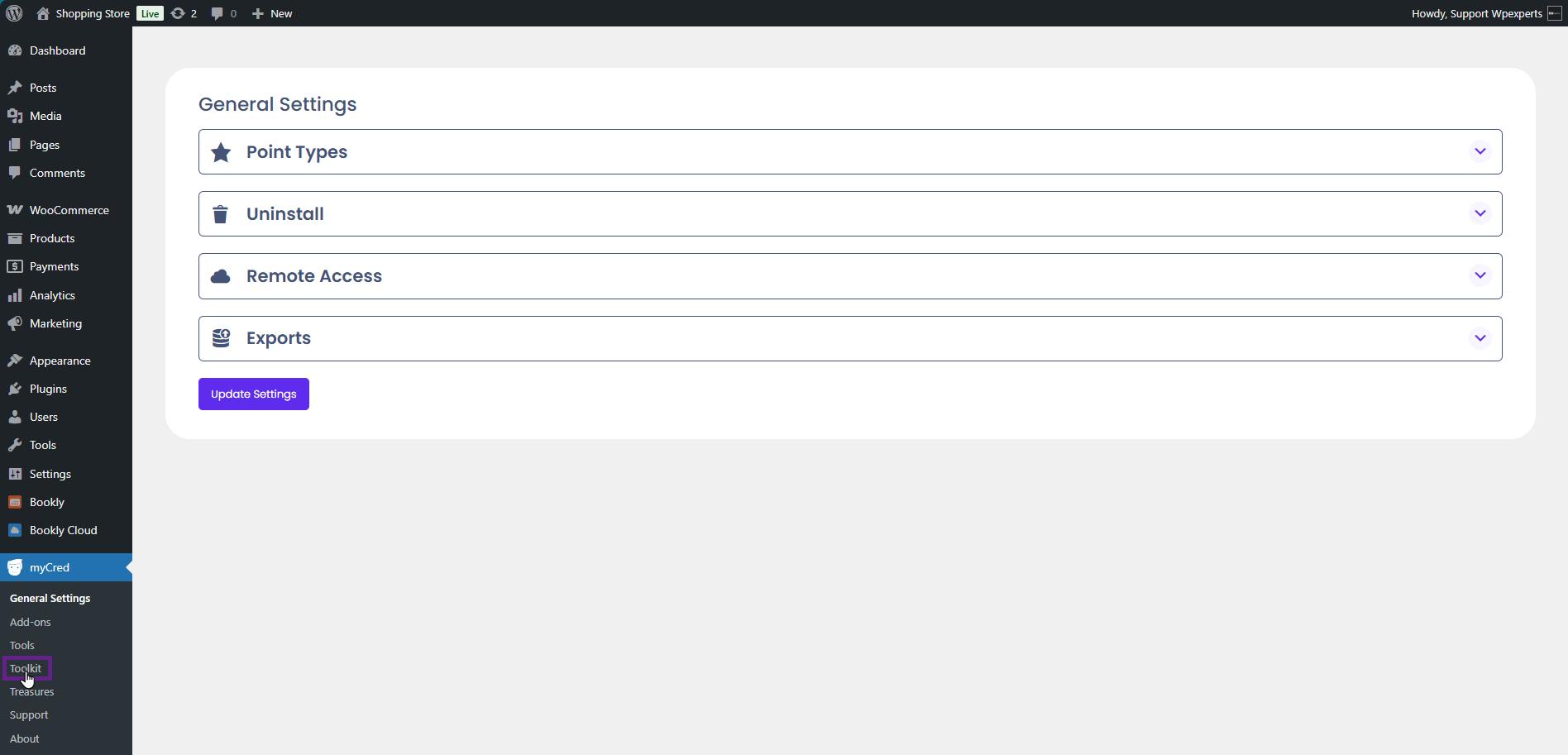
- Activate the Booking Calendar toggle button.
System Impact (Back-End)
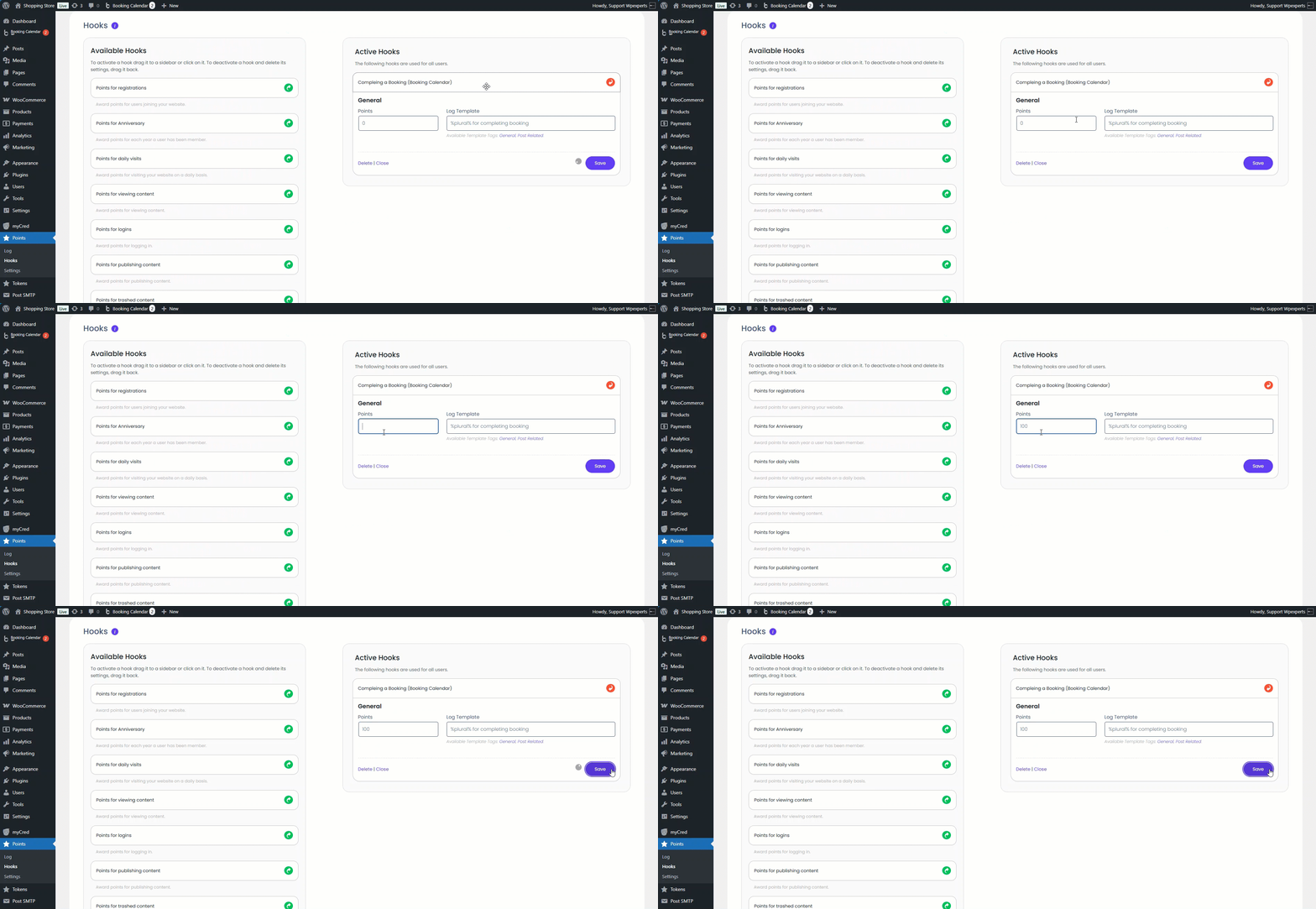
- Go to the Admin Dashboard > Points > Hooks.
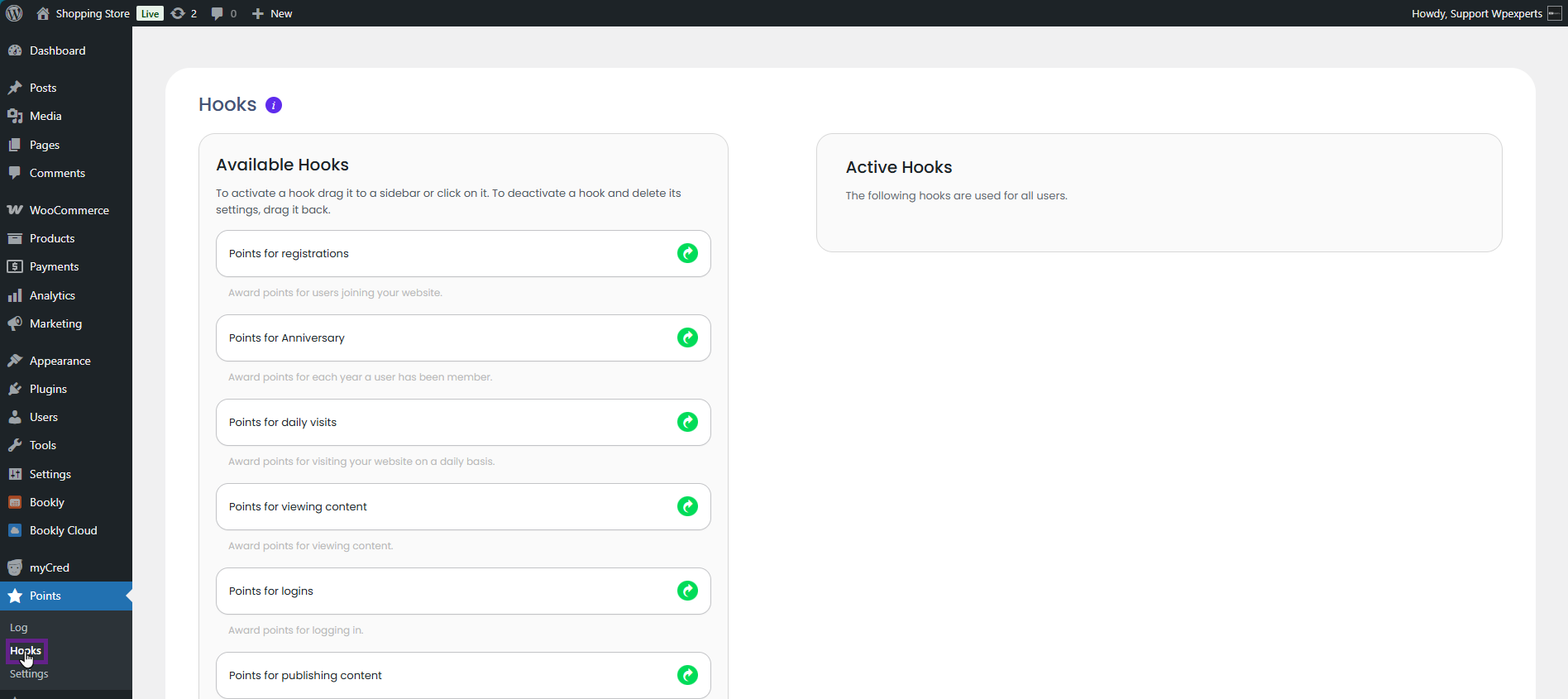
- Next, drag and drop the Completing a Booking (Booking Calendar) hook to the Active Hooks section.

- Once the hook is dragged into the Active Hooks section, configure the settings according to your requirements.
System Impact (Front-End)
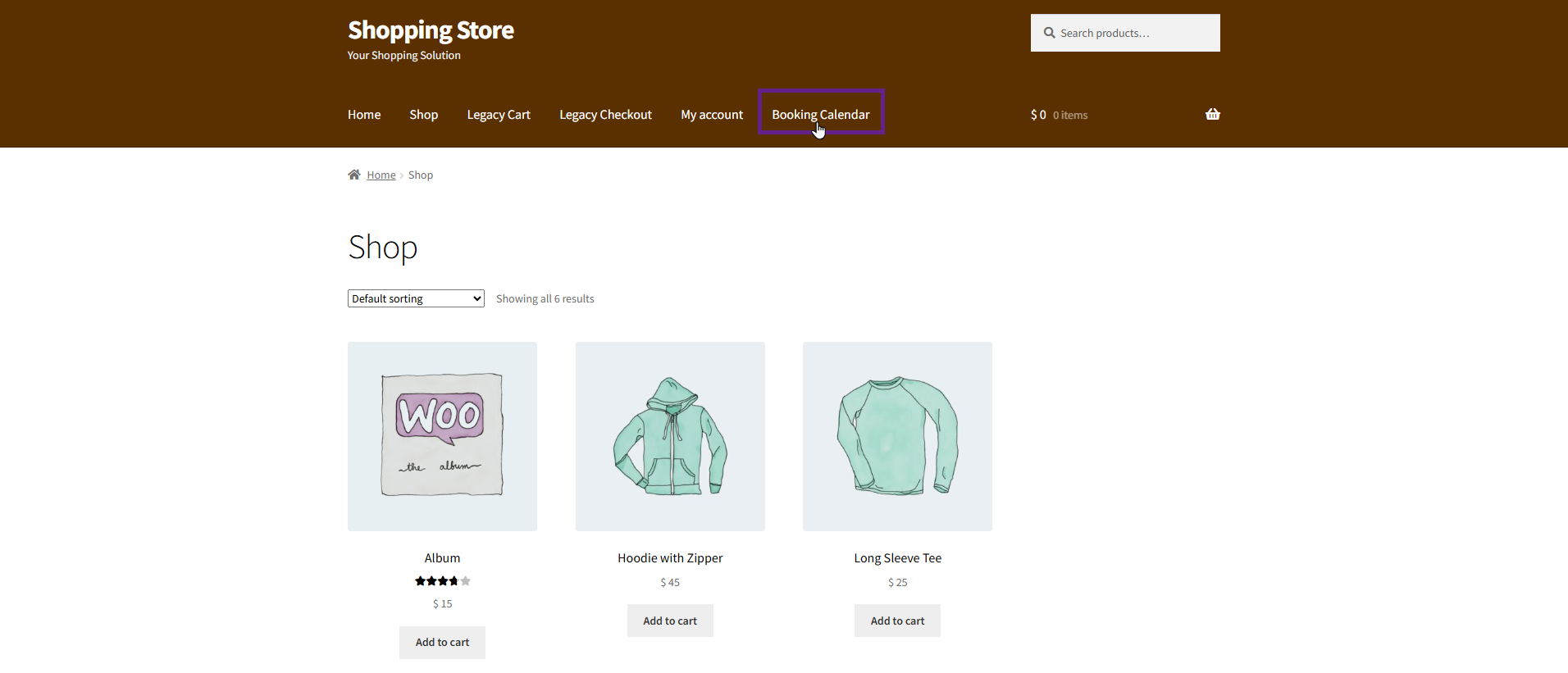
- Go to the website.
- Navigate to the Booking Calendar page.
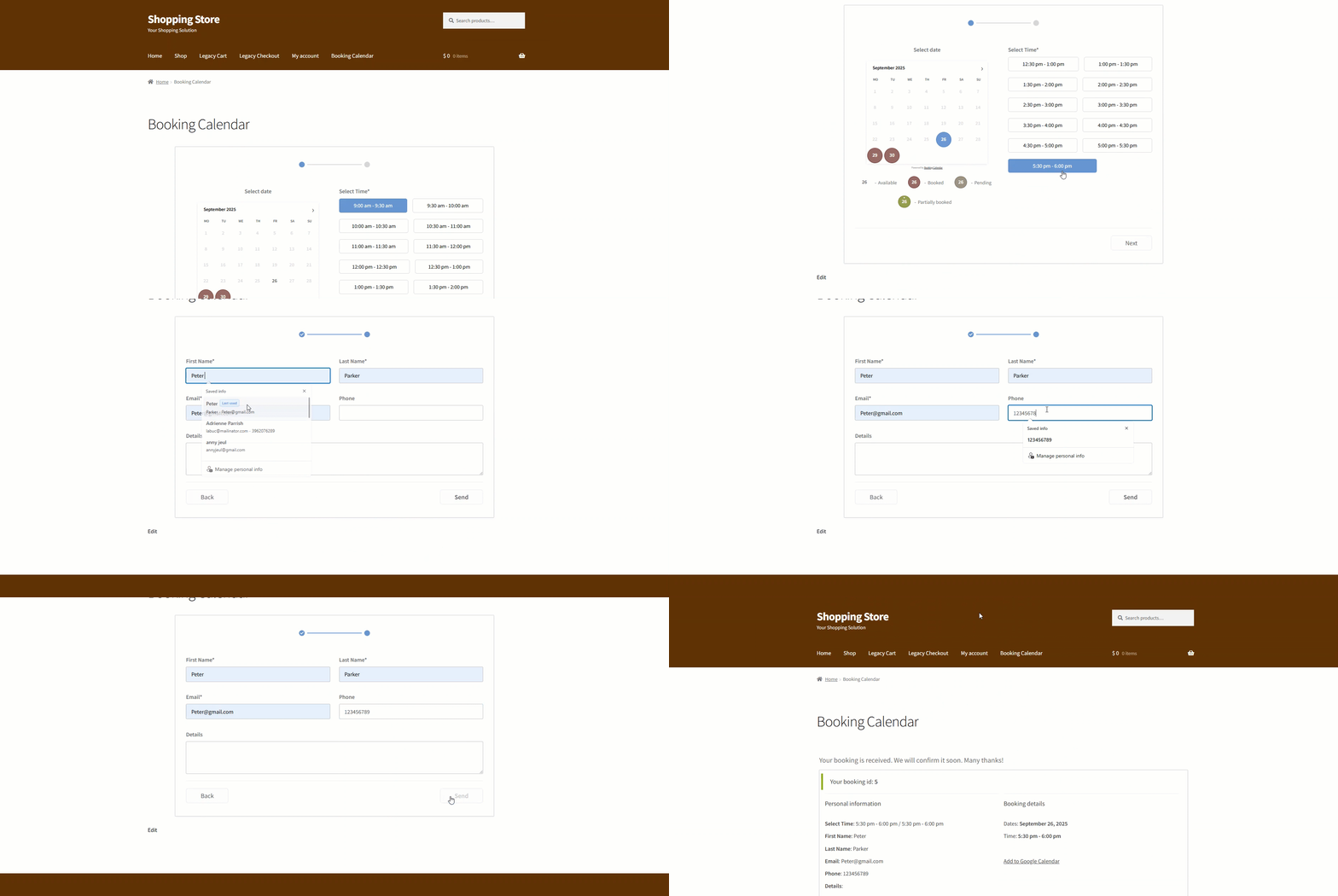
- Book your appointment via Booking Calendar.
System Impact (Back-End)
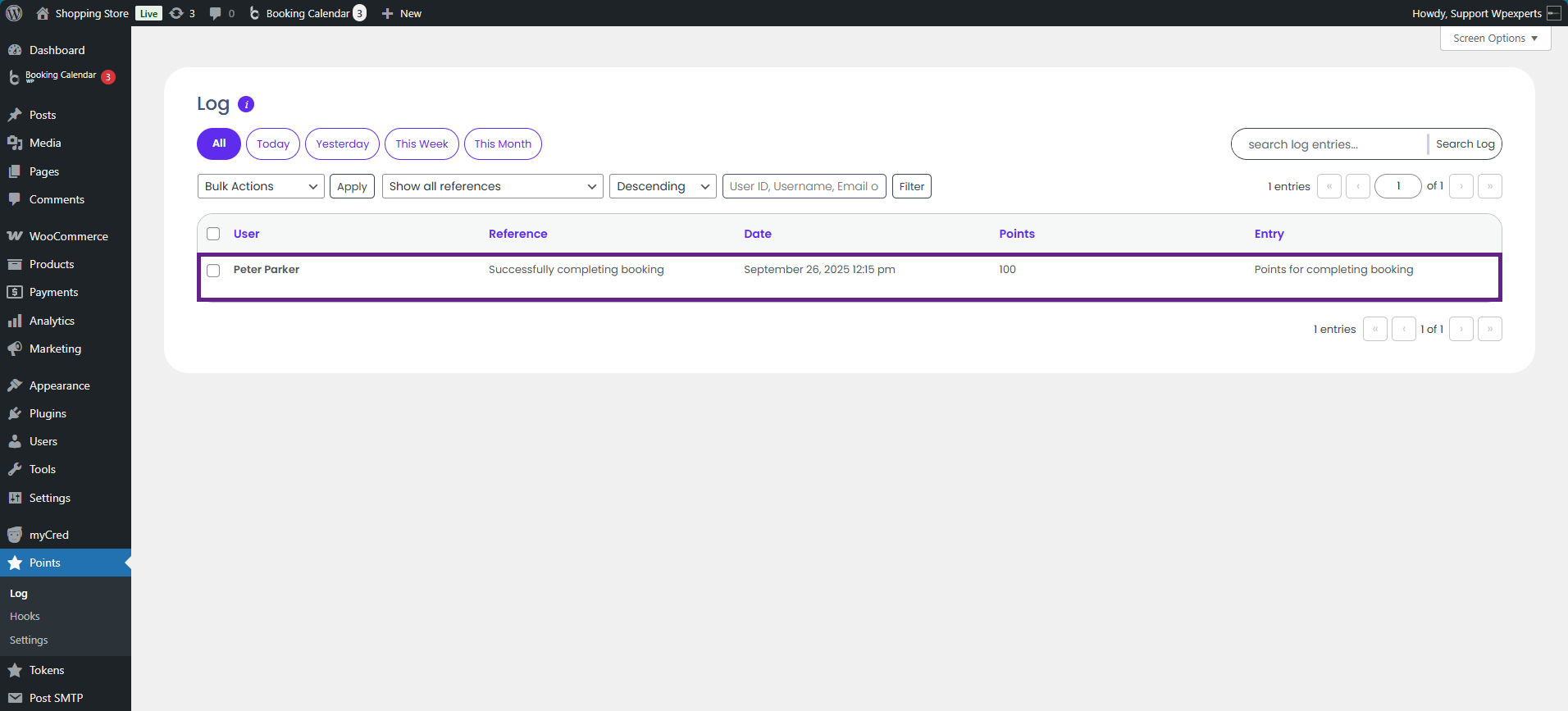
- To verify if the user earned points after a successful booking, go to Admin Dashboard > Points > Log.

- The log confirms that the user earned points for a successful booking. This is the same user we used in the booking example above.
Please note: Ensure that the appointment is approved from the backend by navigating to Admin Dashboard > Booking Calendar > Bookings. If the appointment is not approved, the user will not receive points.