It allows you to award points as a reward on form submission.
How to use Gutena Forms Addon:
Hook:
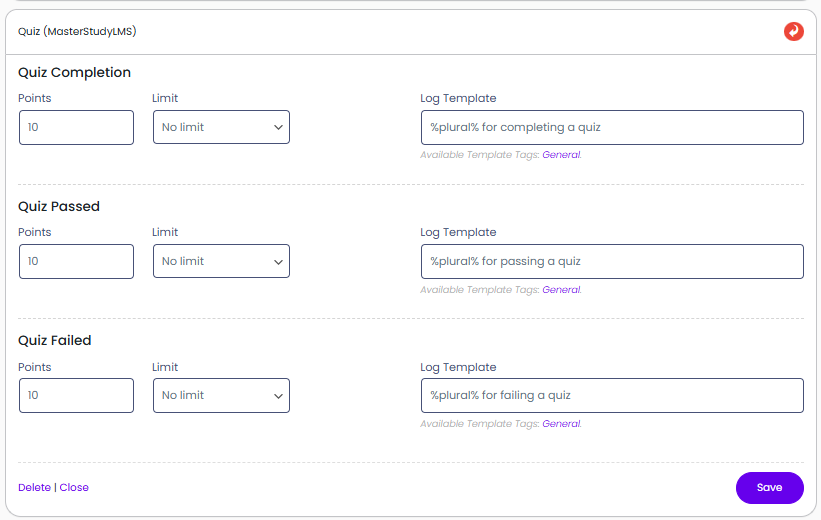
Points: Make sure you set a point value other than zero to enable the hook, and make sure you have provided a log entry template for all forms you want to reward/deduct points for.
Log: Each time a hook awards or deducts points from your users, a log entry of this event is saved to your log. What is saved to the log is determined by the log template. This log template is the textual representation of the hook.
Admin can check Customers who earned points by awarding points for courses, lessons, and quizzes.