myCred Reset Point Add on
myCred Reset Point Add on

Introduction
myCred Reset Points Add on has the ability to Reset the Points on one click. Admin can use this function to reset the Points of Users by selecting all User Roles or specific User Roles.
Getting Started
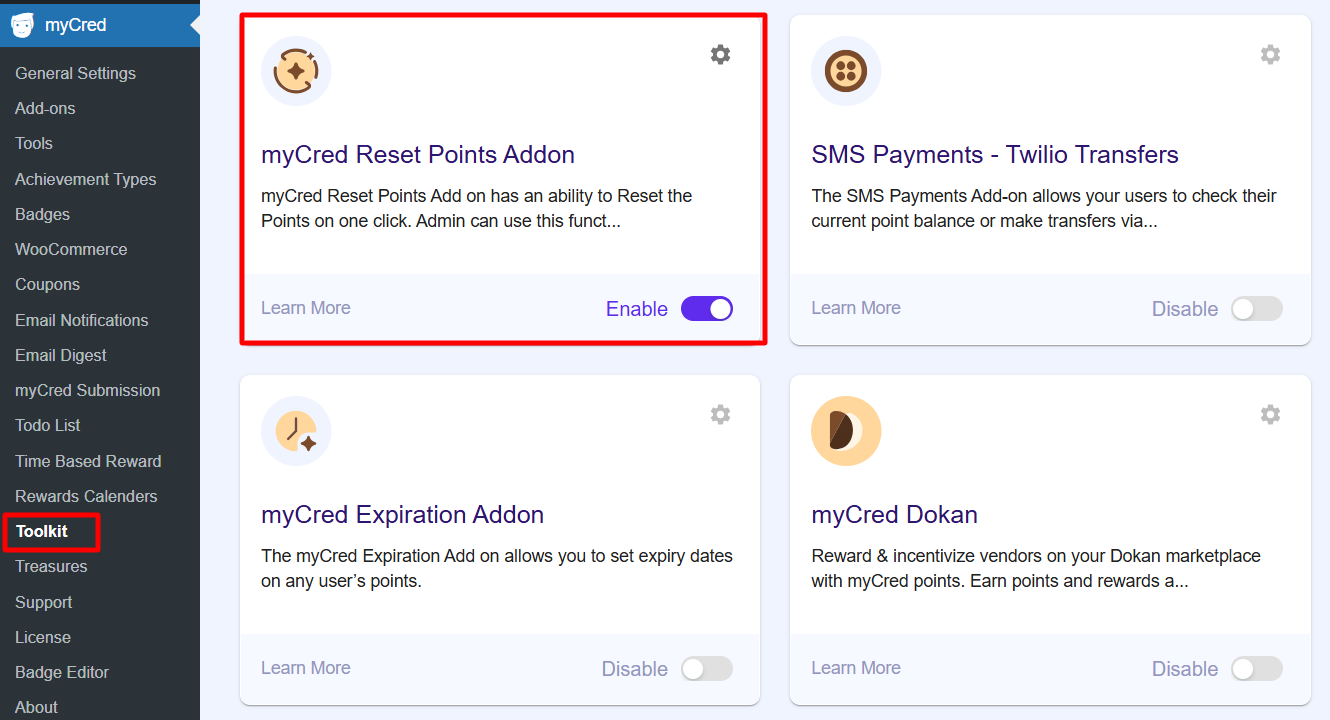
- Navigate to WordPress admin Dashboard > myCred > Addons
- Then move to myCred > General Settings > Reset Points
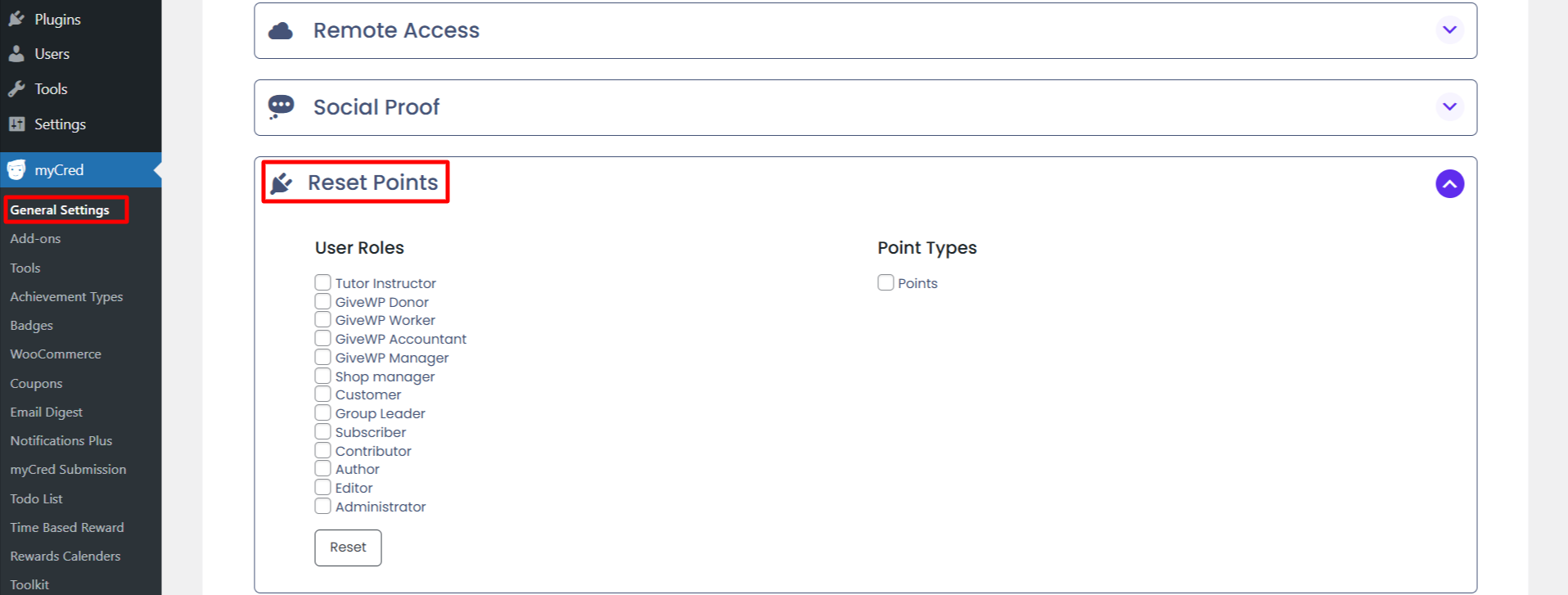
User role
It provides the functionality to reset the points of different groups filtered by User Roles. It will fetch and display all existing User Roles and also those User Roles created by a third-party Plugin
Point Types
- Points
- Chips
- Coins
User Profile
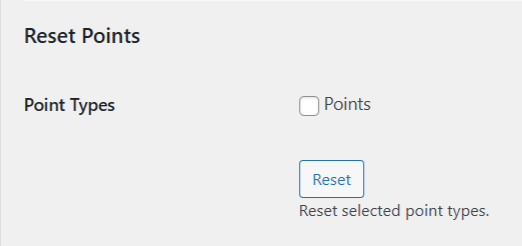
- You can find the settings of “Reset Points” in the user’s profile page.
- Select the point types e.g: (Points, Tokens, Coins and Chips)
- Reset user points and logs by clicking on the “Reset” button, it is only working with selected point types.