
ProgressBar Add-on
ProgressBar Add-on
Introduction
Note: This add-on is available in version 1.7+ in order to add support showing progress of rank & badges on the front end of your website.
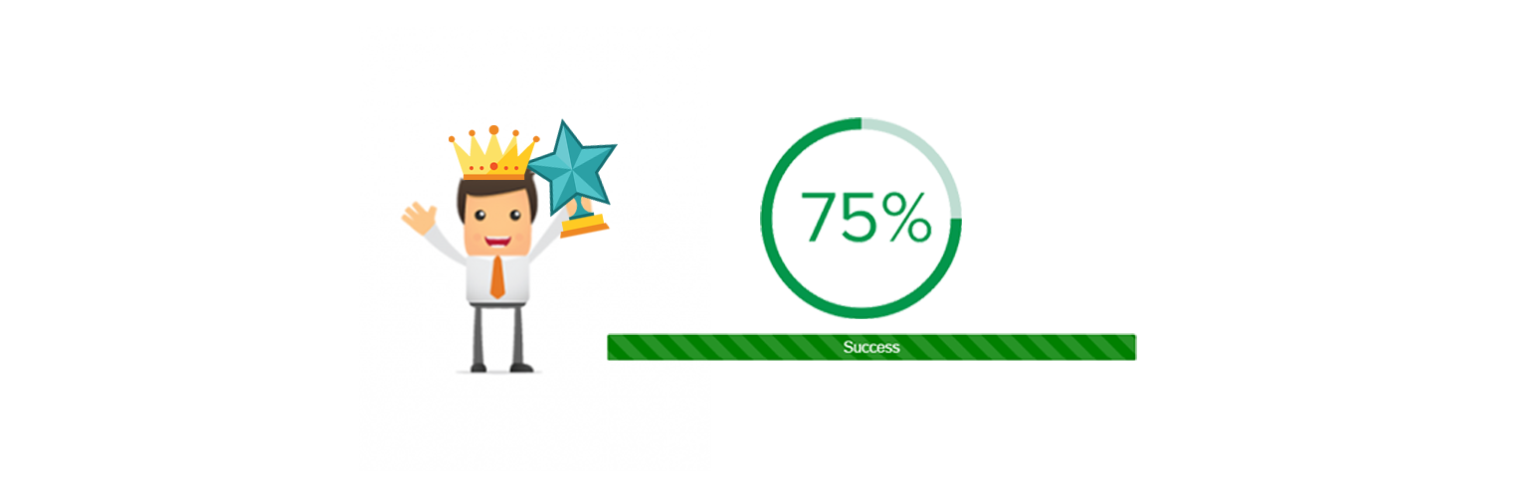
This add-on will provide you a shortcode that will render html progress bar and radial progress of rank and badges of given current logged in user. Having multiple attributes to customize progress bars and render specific badge or rank for specific users.
Badges Progress
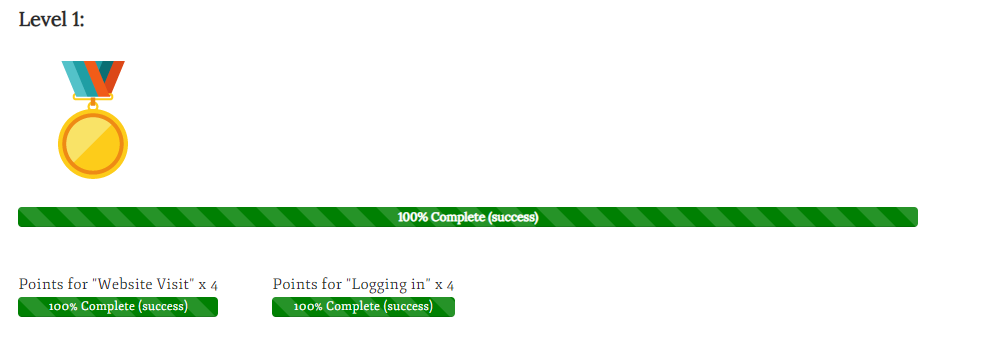
This custom shortcode allows you to show a progress bar for your badges for current users . You can select the colors to use, if the progress bar should be animated and also there is an individual progress bar for badge requirements for the user’s current badge under the progress bar. You can also manually give badge id to render specific badge progress.
Default usage: [mycred_badges_progress]
Shortcodes
| Attribute | Type | Required | Default | Description |
| width | int | No | MYCRED_BADGE_WIDTH | The badge image width to use. |
| height | int | No | MYCRED_BADGE_HEIGHT | The badge image height to use. |
| show_badge | int | No | – | Use when you want to render single or specific badge progress. |
| animate | int | No | 1 | Select to enable (1) or disable (0) the progress bar animation. Note that if a user has reached 100%, the animation will be disabled. |
| bgcolor | string | No | – | You can use color name as well custom color code e.g #333 |
| type | STRING | No | bar | Bar and Radial type of progress you want to show on front end e.g radial,bar. |
| Stripe | int | No | 1 | Option to show (1) or hide (0) show stripe layer on progress. |
Front-end
Rank Progress
This custom shortcode allows you to show a progress bar for your user’s current range. You can select the colors to use, if the progress bar should be animated and to show the minimum and maximum rank requirement for the user’s current rank under the progress bar.
Default usage: [mycred_my_ranks_progress]
Shortcodes
| Attribute | Type | Required | Default | Description |
| user_id | int | No | – | Option to show the rank progress of a particular user instead of the user viewing the shortcode. |
| title | int | No | 0 | Option to insert a rank title above the progress bar. |
| ctype | string | No | mycred_default | The point type to show the rank progress for. Should not be used if you only have one point type installed. |
| animate | int | No | 1 | Select to enable (1) or disable (0) the progress bar animation. Note that if a user has reached 100%, the animation will be disabled. |
| bgcolor | string | No | – | You can use color name as well custom color code e.g #333 |
| show_rank_title | int | No | 1 | Option to show (1) or hide (0) the users current rank title inside the progress bar. |
| show_logo | int | No | 1 | Option to show (1) or hide (0) show rank logo. |
| show_labels | int | No | 0 | Option to insert the users rank’s minimum and maximum point requirements under the progress bar. To show use 1 or 0 to hide. |
| logo_size | STRING | No | post-thumbnail | The logo size (if set to be shown). accepts “post-thumbnail” for thumbnail size, “full” for full size. |
| first | STRING | No | logo | Option to show title first (title) or the logo (logo) first. |
| type | STRING | No | bar | Bar and Radial type of progress you want to show on front end e.g radial,bar. |
| prefix_min | STRING | No | MIN | Prefix for min requirment of rank. |
| prefix_max | STRING | No | MAX | Prefix for max requirment of rank. |
| rank_id | int | No | – | Option to show progress towards a specific rank instead of the users current rank. |
Front-End
