Auto fetch and display forms in the dropdown menu from Ninja Forms
Support for multiple events per-hook
When the integration is installed it displays multiple hooks in the points menu in myCred.
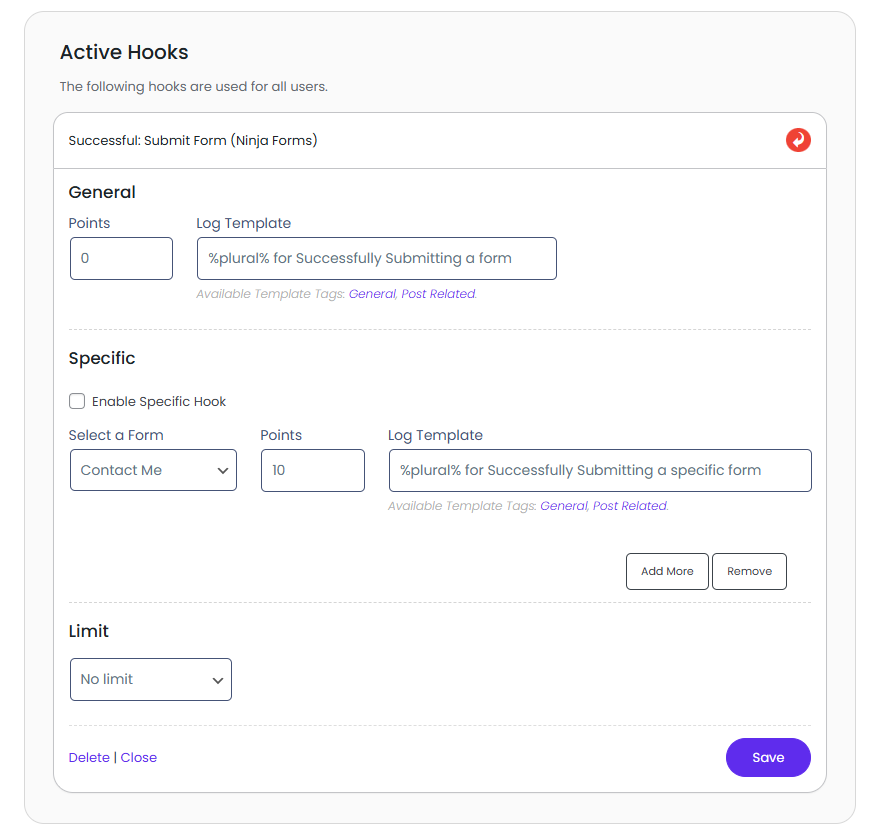
General Submit Form Hook:
The hook allows the user to award myCred points for general-purpose, that is, no matter what type of Ninja form template you are using the plugin will award points as soon as that form is submitted.
There are two sections of the hook, the first section is for general point award on the forms, there are two fields given one is for adding the points and the other is for log template.
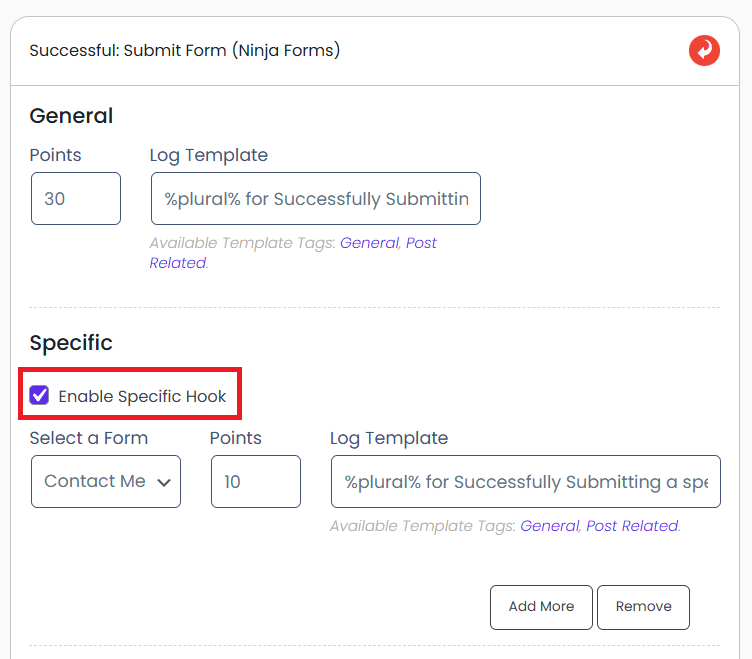
In the section of the hook, you can select the specific form for which the points have to be awarded, to use this functionality in the hook you will have to enable it first by clicking a checkbox added for the purpose
After enabling the specific form functionality from the hook you can select a form from the drop-down menu which the plugin will fetch and populate with lists of forms published in the Ninja forms menu.
Alongside the drop-down menu, there is a field for adding points that are to be awarded for the specific form and another for adding log templates.
Submit Specific Field Value Hook:
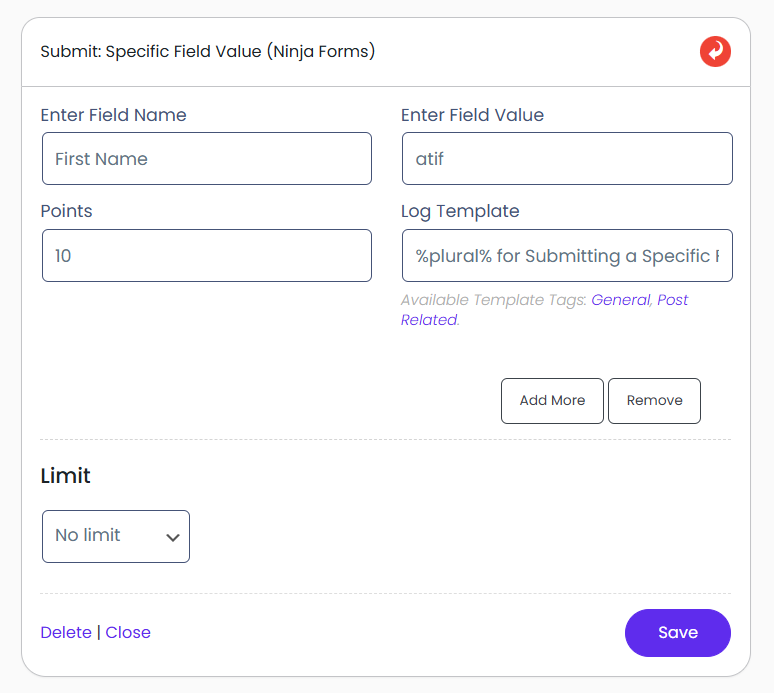
This hook allows for the awarding of points based on any specific value in the Ninja Form. In this hook, there are settings that will allow a triggering point mechanism when certain set values are found in the Ninja Form
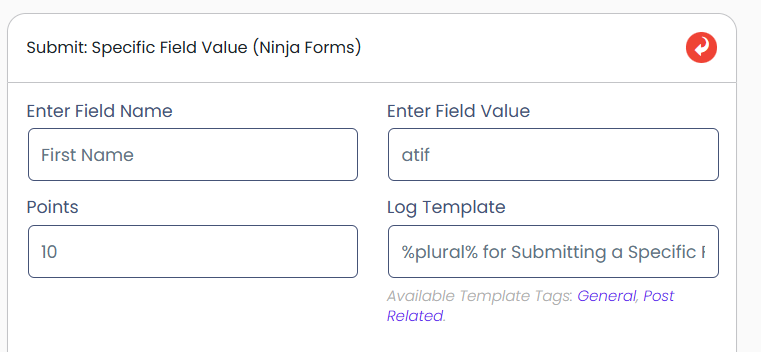
In the hook settings, there are fields given where you can specify the field name in the form for which you want to award the points, and also, you can set what value is to be entered in the specific field for the award mechanism to activate. Log template can also be set for the respective hook event. The field name is case sensitive, and you will have to add the proper field name in order for the hook to trigger.
Now, when submitting the form on the front end, when you enter the set value in the specific set fiel,d then the plugin will trigger the myCred hook and the points will be awarded.
Specific Field Value On Specific Form:
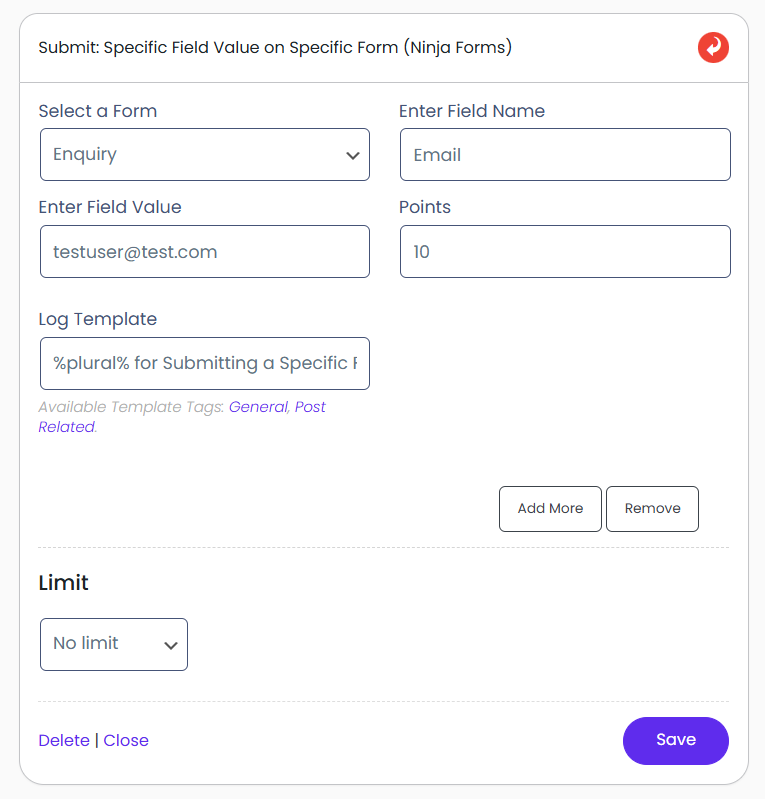
This hook allows you to select specific forms from Ninja Forms and then add a specific field name and value, which, when entered on the front end, will trigger the point awarding mechanism.
The hook can be activated by dragging it to the active hooks section. The settings in the hook are divided into multiple fields.
To select the form, you will have to open the drop-down menu in the hooks settings. The plugin will fetch and populate the menu with all the forms that have been created using Ninja Forms.
After selecting the form from the drop-down menu, in the next field, you will be able to add the field for which you want to trigger the myCred points awarding mechanism. You will have to add the exact name of the field, and do remember that the field is case sensitive.
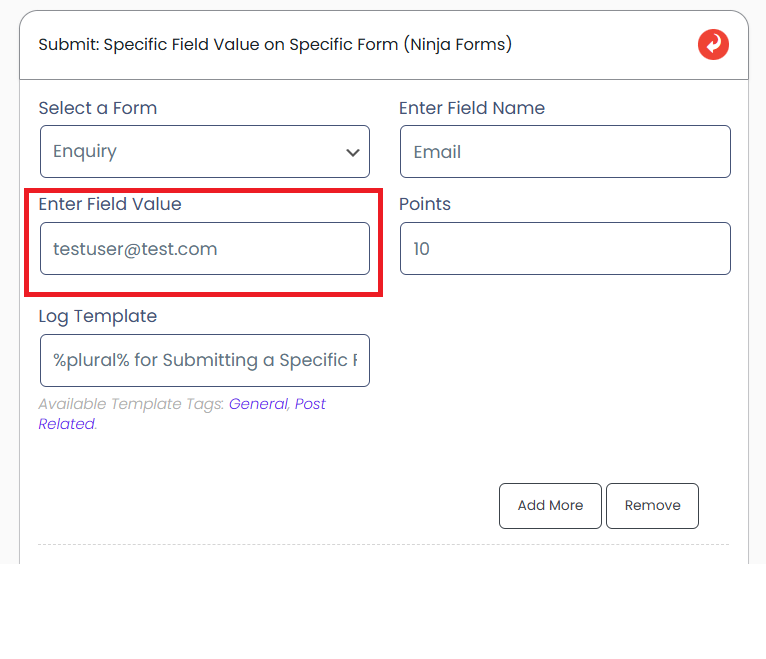
Next, if you want to limit the value that has to be added in the field in order to gain points, you can specify that value in the “enter field value” text box. The plugin will validate the value in the field, and if the same value is entered on the front en,d then the plugin will award points
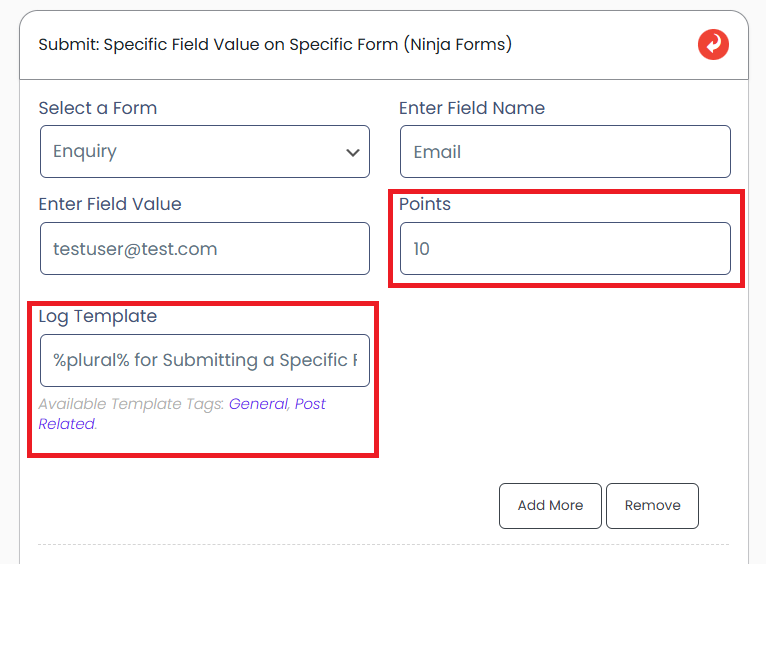
To set the points for the hook, a field has been added by name of Entering the number of points in the field will be awarded after the other parameters are met.
The log template of the points can also be changed from a dedicated field given below all the other settings in the hook.
LOG :
Supported Instances:
Instance Reference
Description
successful_submit_ninjaform
Give or take points from users for submitting a ninja form
specific_field_value
Give or take points from users for submitting a specific field value on a form
specific_field_value_specific_form
Give or take points from users for submitting a specific field value on a specific form