Overview
Overview
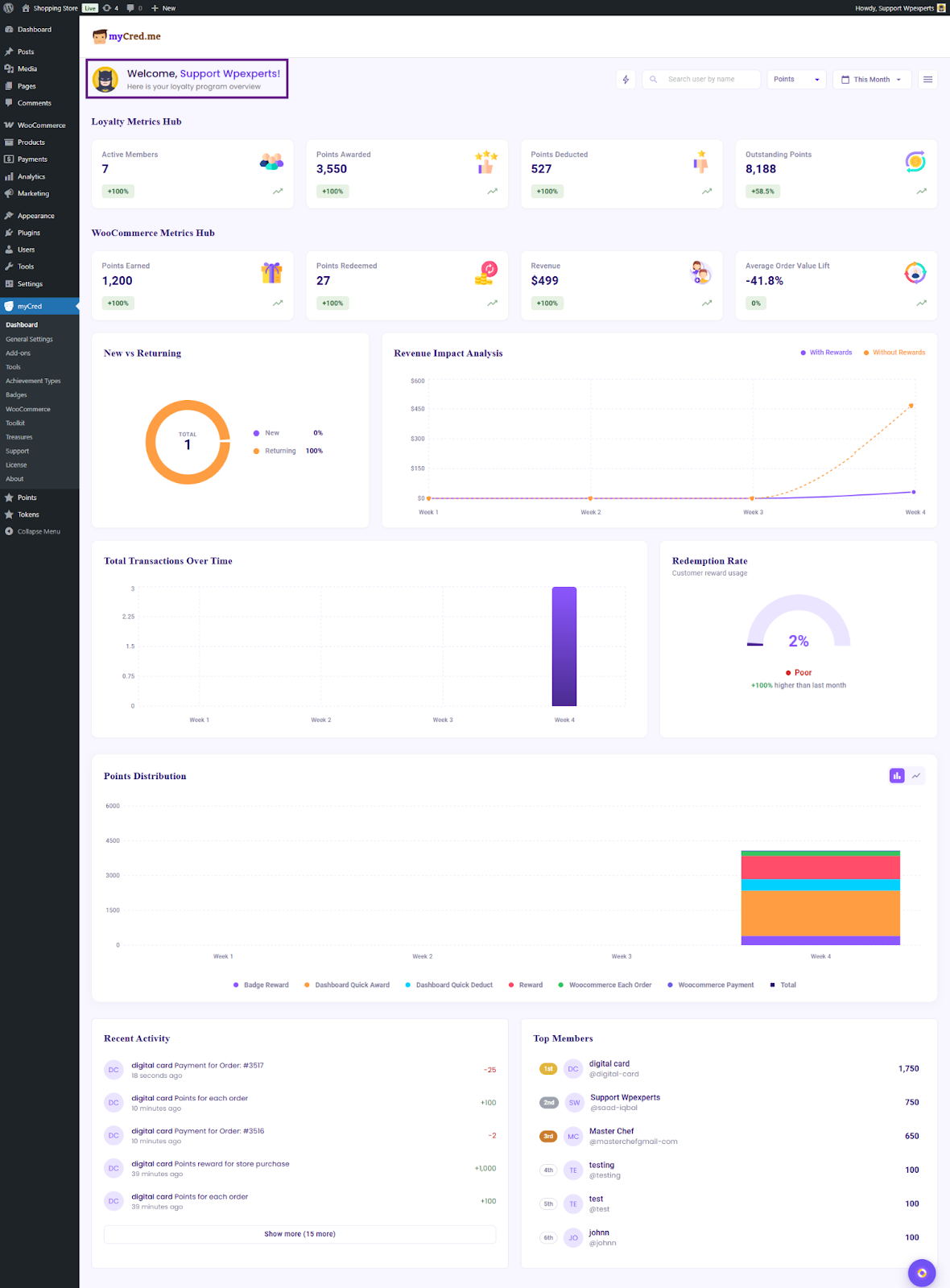
The top view of the dashboard displays a welcome message, filters, quick action icons, and dashboard settings. Administrators can adjust the filters to view data according to their needs and gain deeper insights into their loyalty program. The selected filters apply to all metrics across the dashboard.
Welcome Message
When the administrator accesses the dashboard, the welcome message is the first element displayed. It includes a greeting message along with the administrator’s profile avatar. This section provides introductory information to orient the administrator and establish context for the dashboard.