
myCred H5P

Introduction
myCred-H5P lets you award points to your users on H5P interactive activities. Encourage and increase user engagement by adding gamification element to your H5P multimedia content. Also, recognized individual achievements by awarding badges on completion of H5P content.
Activation
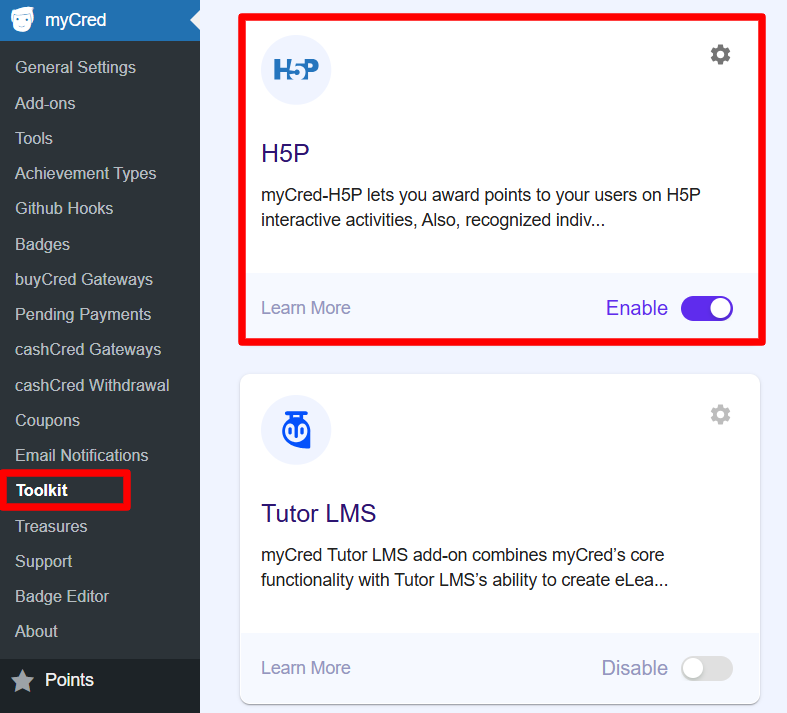
- Navigate to WordPress admin Dashboard > myCred > Toolkit
- Search for H5P
- Enable
Create H5P Content
“If you are new to H5P then you have to create H5P content first”.
- Go to H5P ➞ Add New.
- Select, Install & Use Content Type.
- Enter relevant information.
- Create Content.
- Place Shortcode to any page.

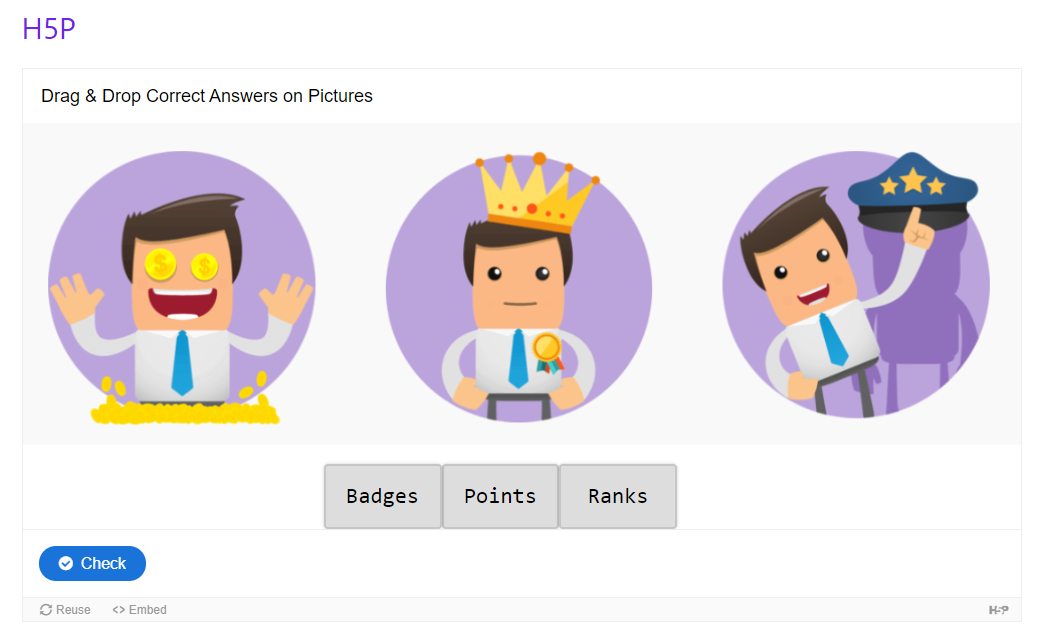
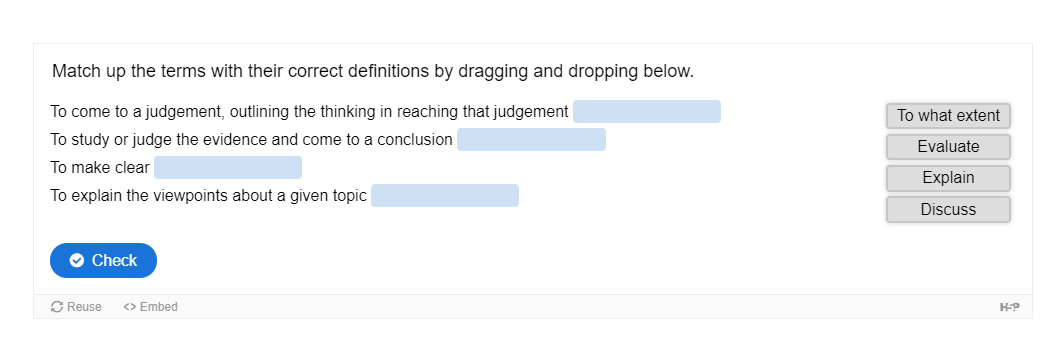
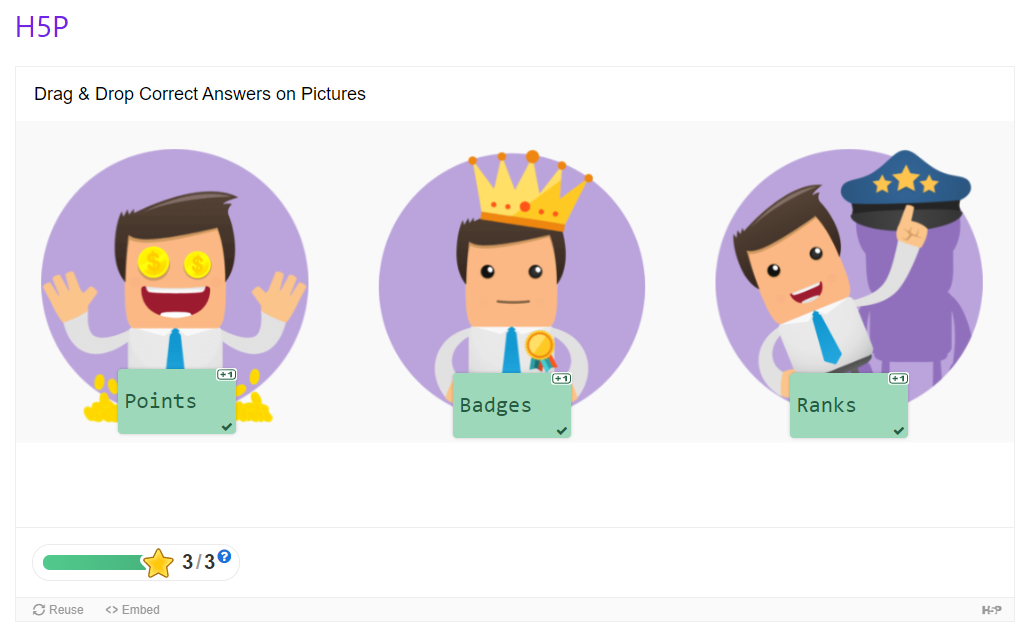
Front-End View H5P Content:
Activate Hooks:
“Hooks Must be activated in order to award points to users”.
- Go to Points ➞ Hooks ➞ Drag & Drop to Activate Hooks.
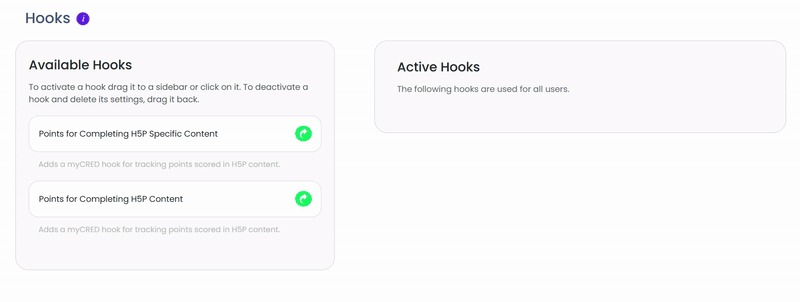
1.Points for Completing General Content.
Add image
- Click on the hook.
- Define settings.
- Save.
This hook will award points on completion of any H5P content.

2.Points for Completing Specific Content.
- Click on the hook.
- Define Settings.
- Save.

This hook will award points on completion of Specific H5P content. You can also add multiple hooks for specific content in order to award different points on different H5P content.
Complete H5P Activity:
- Complete an H5P activity to Earn Points.

Logs for H5P Content:
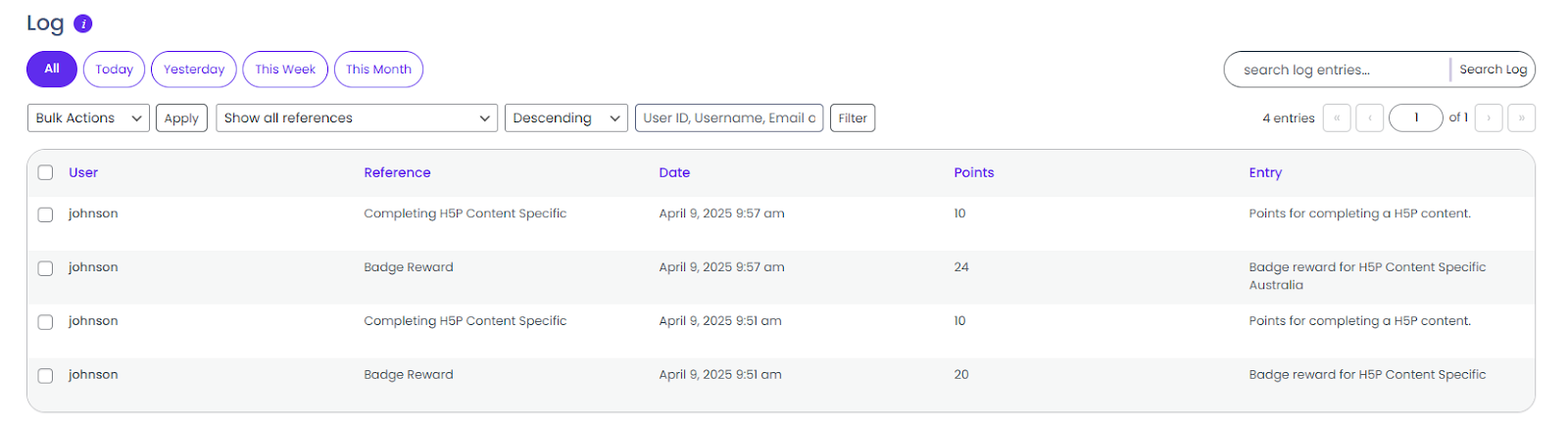
When a user completes any content a log will be generated for the user either for General Content or Specific Content. Check relevant logs.
- Go to Points ➞ Logs
Award Badge for H5P Content
- Go to myCred ➞ Add-ons ➞ Activate Badge Add-on
- Go to myCred ➞ Badges ➞ Addnew
- Fill out the details.
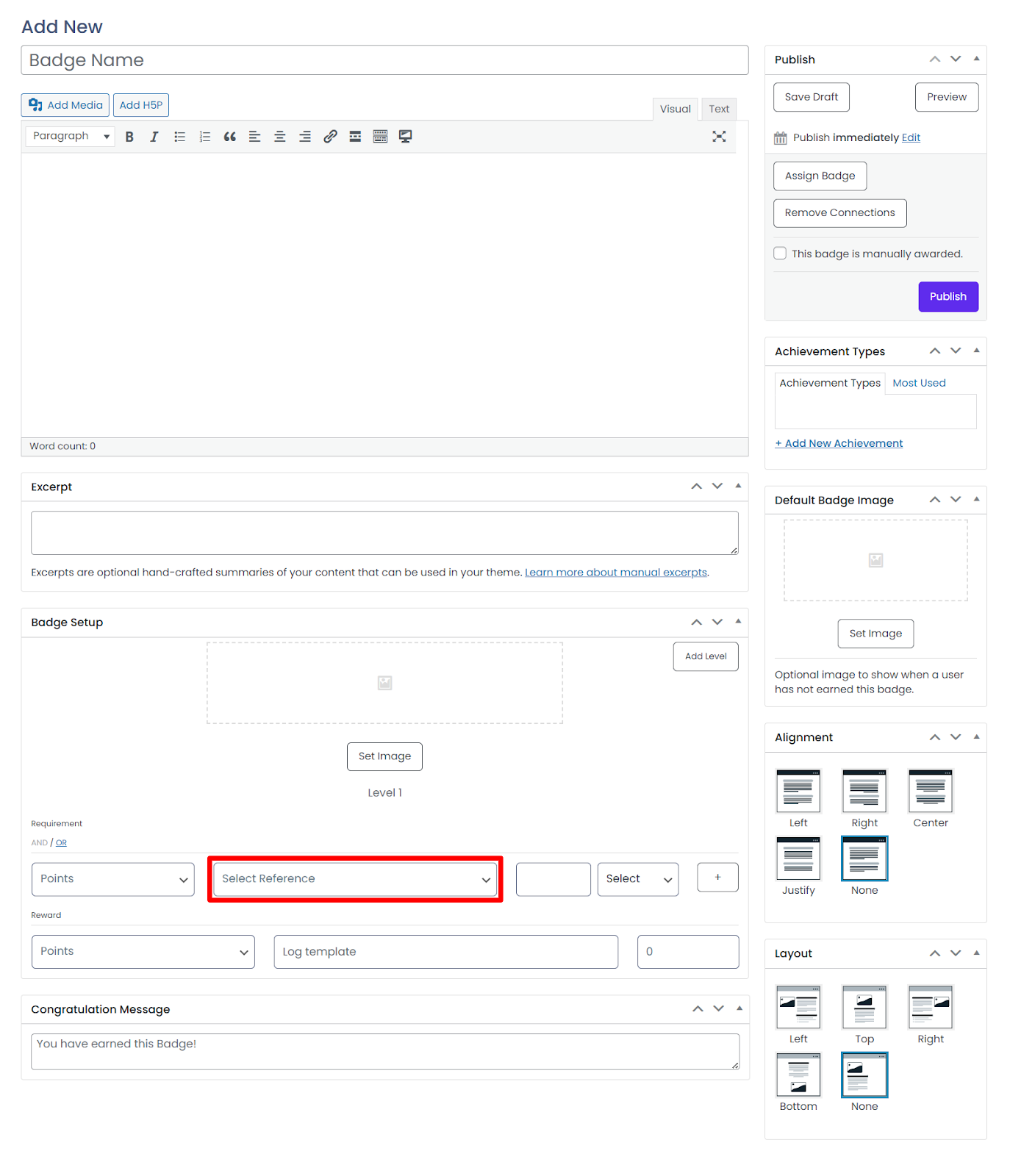
- Select references of H5P content.
- Publish or Update