
myCred for Totalsurvey
myCred for TotalSurvey

Introduction
myCred for TotalSurvey is a plugin integration that gamifies your TotalSurvey experience. It adds a points and rewards system to your surveys, making them engaging and interactive. Participants earn points for completing surveys, which can be redeemed for rewards or privileges. This integration enhances user engagement and encourages more survey participation, ultimately improving your data collection and insights.
Prerequisite
To use the Plugin myCred for TotalSurvey. You need to download the following two prerequisite plugins.
Installation:
Navigate to the myCRED Toolkit, search for AnsPress, and simply enable the Total Survey Add-on.
Specific Hook
When user selects total survey hook, then the customer gets points for the relevant survey form set by the admin whenever a user fills out a survey form.

General Settings – Points Configuration
Users can configure the number of points awarded and set limits based on daily, weekly, or monthly activity. These limits act as validation rules, ensuring points are only awarded within the defined thresholds. Additionally, users can customize the log template for tracking completion of the general survey.
Enable Specific Hook
Click on the checkbox if the admin wants to enable a Specific Hook.
- Navigate to the Enable Specific Hook in the Specific Hook.
- Click on the checkbox.

Select Survey
All the survey forms that are made by the admin in TotalSurvey, will appear in the Select Survey dropdown menu.
- Navigate Select Survey in Specific hook.
- Select the survey from the dropdown menu.
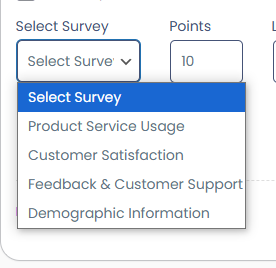
Points
Admin can enter the Points the customer will get whenever they submit a survey.
- Navigate Points in a Specific hook for the selected survey.
- Navigate the Limit in the Specific hook.
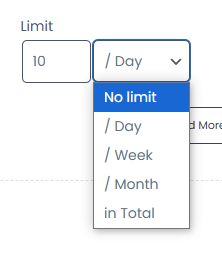
Log Template
- Navigate the Log Template in a specific hook.
- The Log Template generates automatically.
- Admin can verify it in Log, whenever a customer fills a survey.

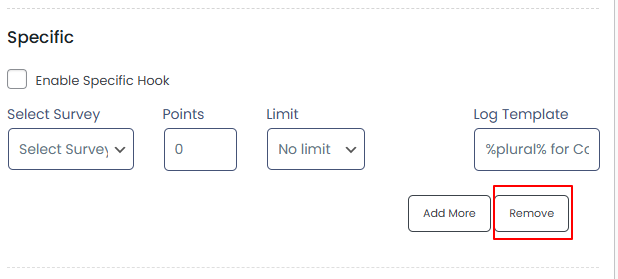
Add More
Admin can add more than one survey form by clicking on the Add More button.
- Navigate Add More button in the specific hook.
- Click on the Add More button.

Remove
Admin can remove any survey form by clicking on the Remove button.
- Navigate Remove button in specific hook.
- Click on the Remove button.
- A notification alert will appear on the page.
- Click on Ok, to remove

FrontEnd Impact
- When a customer fills the Survey Form and clicks on the submit button.
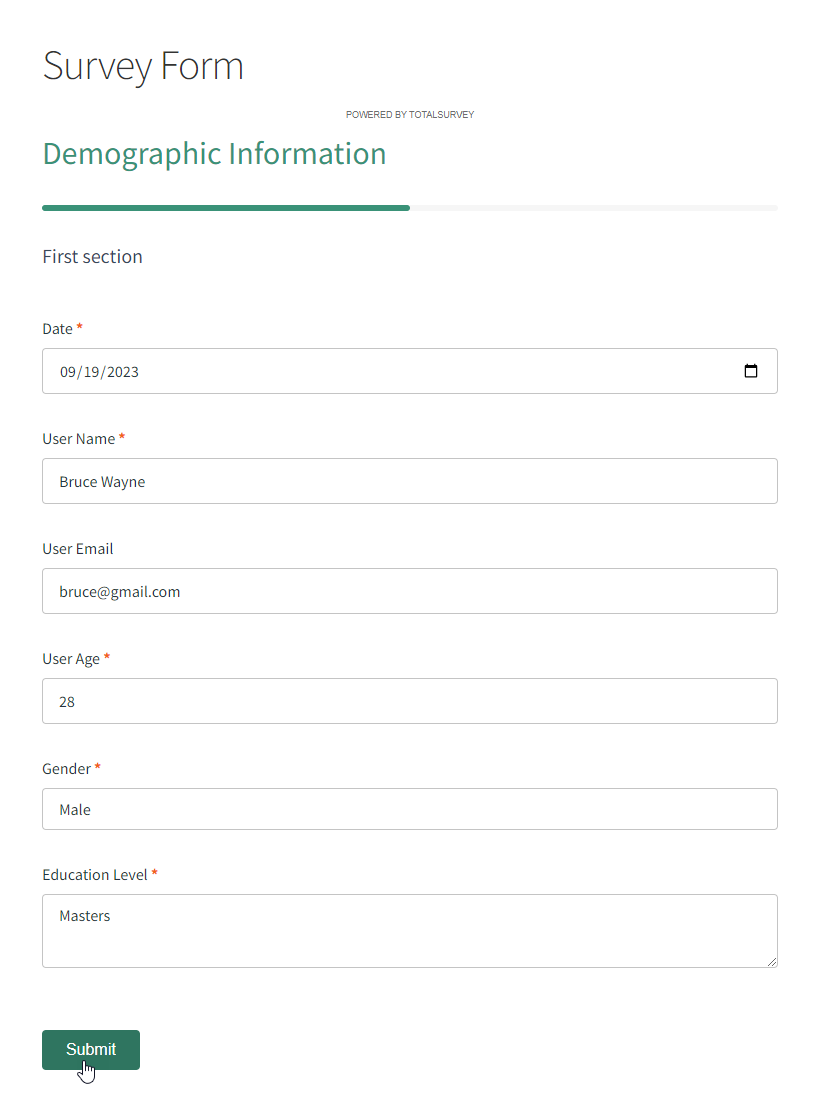
- A Thank you message will appear.

- The points notification will be shown when myCred Notification is activated.
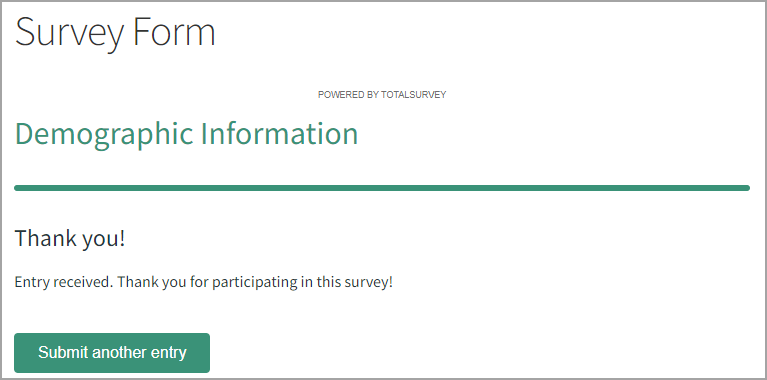
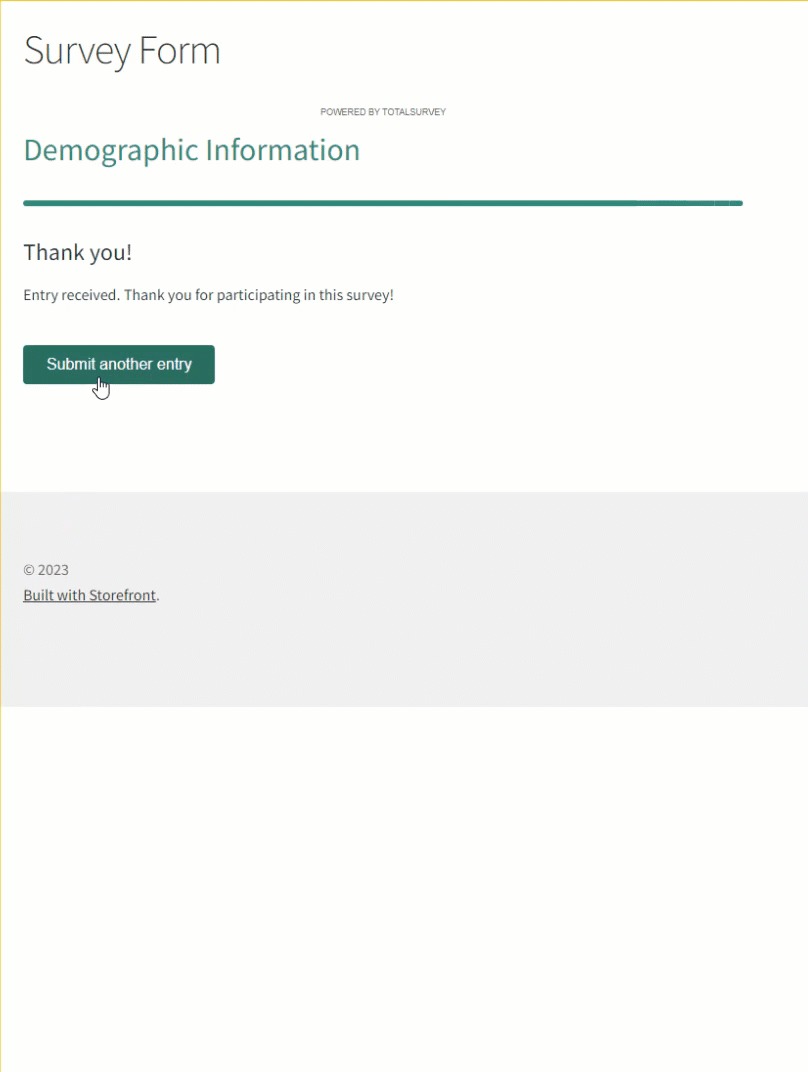
- If a customer wants to submit another survey form then click on Submit another entry.
- Which will redirect the customer to the survey form.
Admin End
Admin can check, Customers who earned points on submitting the survey form.
- Navigate Dashboard => Points => Logs.
Customer End
Customers can check the earned points on submitting the survey form.
- Navigate Dashboard => Profile => Points History.

There are three docs attached for the total survey addon to activate its hook
https://codex.mycred.me/docs/docly-documentation/layouts/freebies/mycred-for-totalsurvey