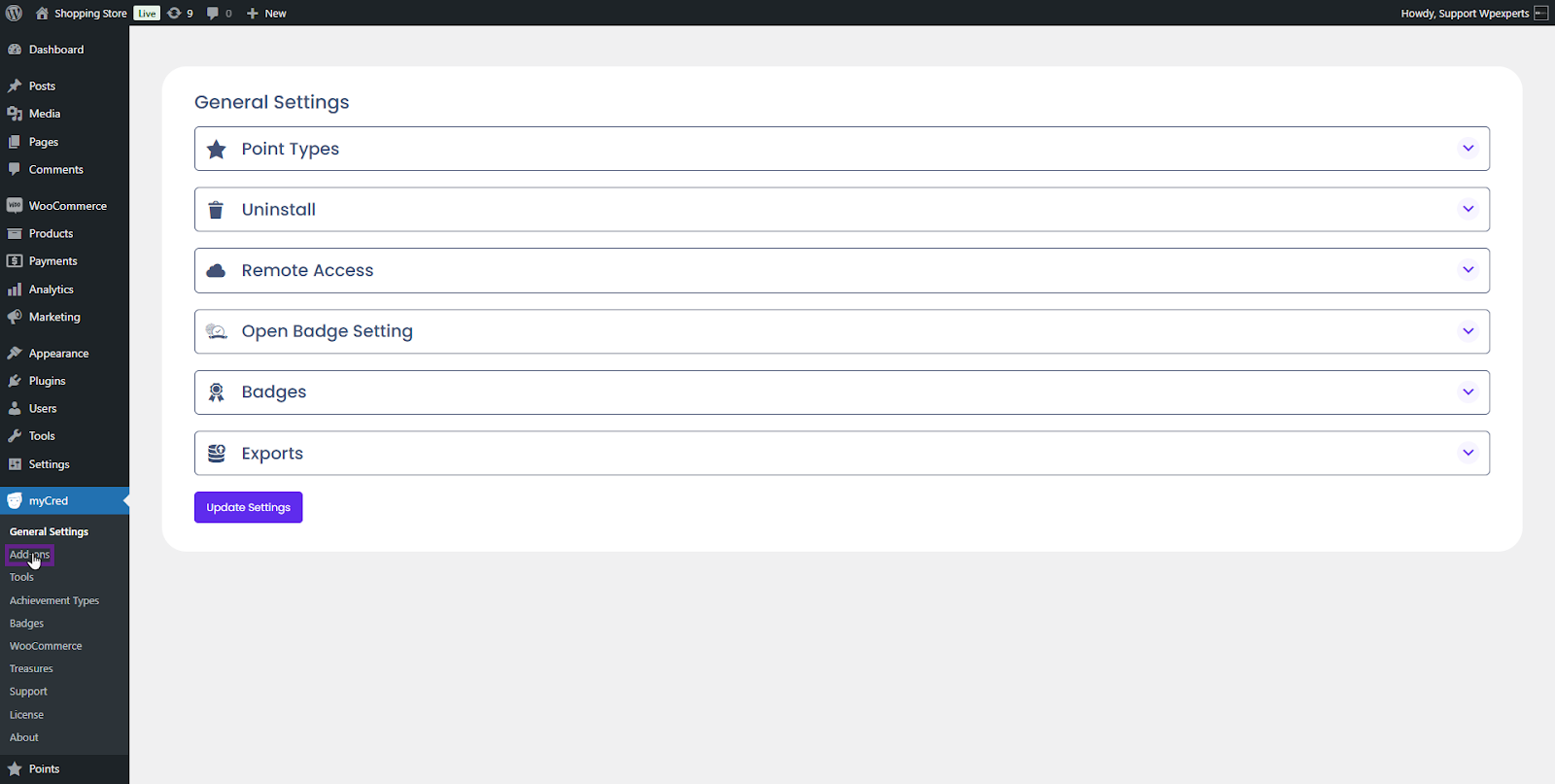
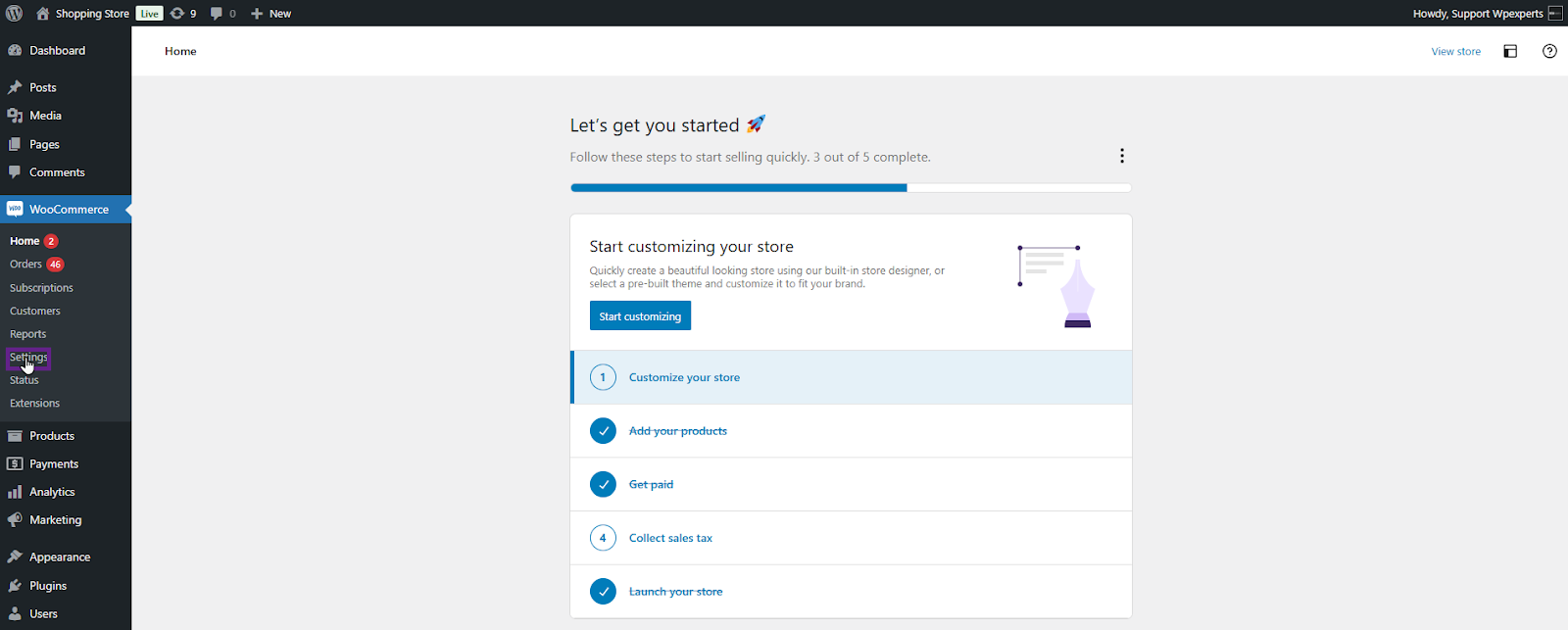
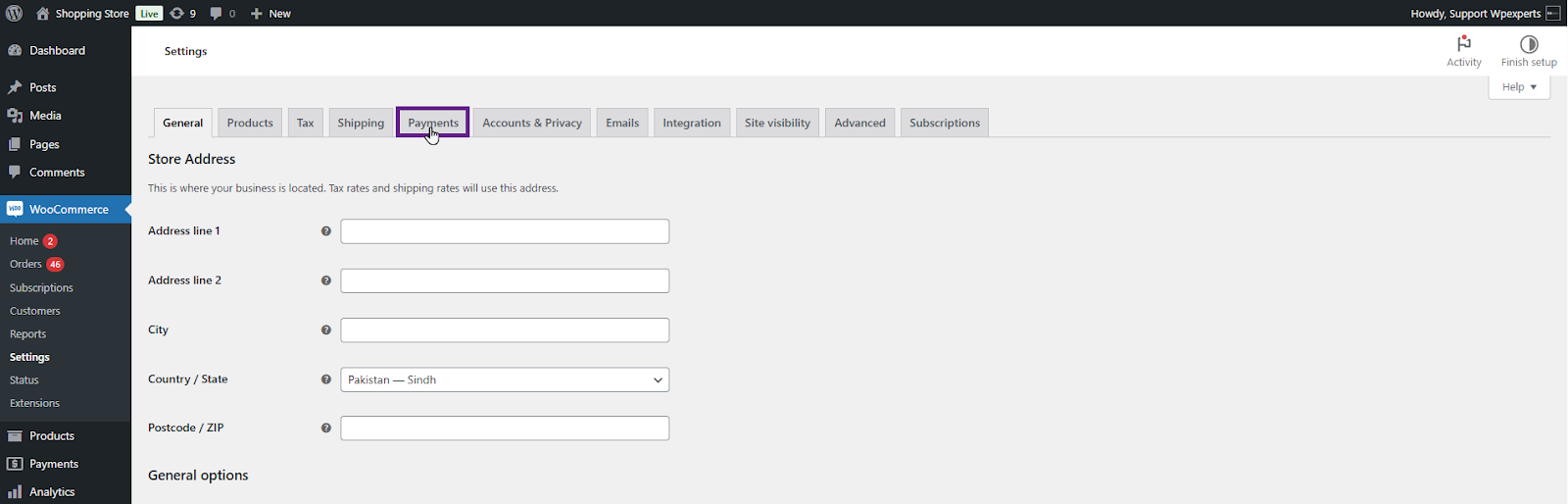
Enable the myCred – (Pay with myCred) payment gateway.
Click on the Save Changes button.
Note: A WooCommerce subscription product needs to be created in the backend. Please refer to this link for guidance on creating a WooCommerce subscription product.
Front-End Impact
Go to the website.
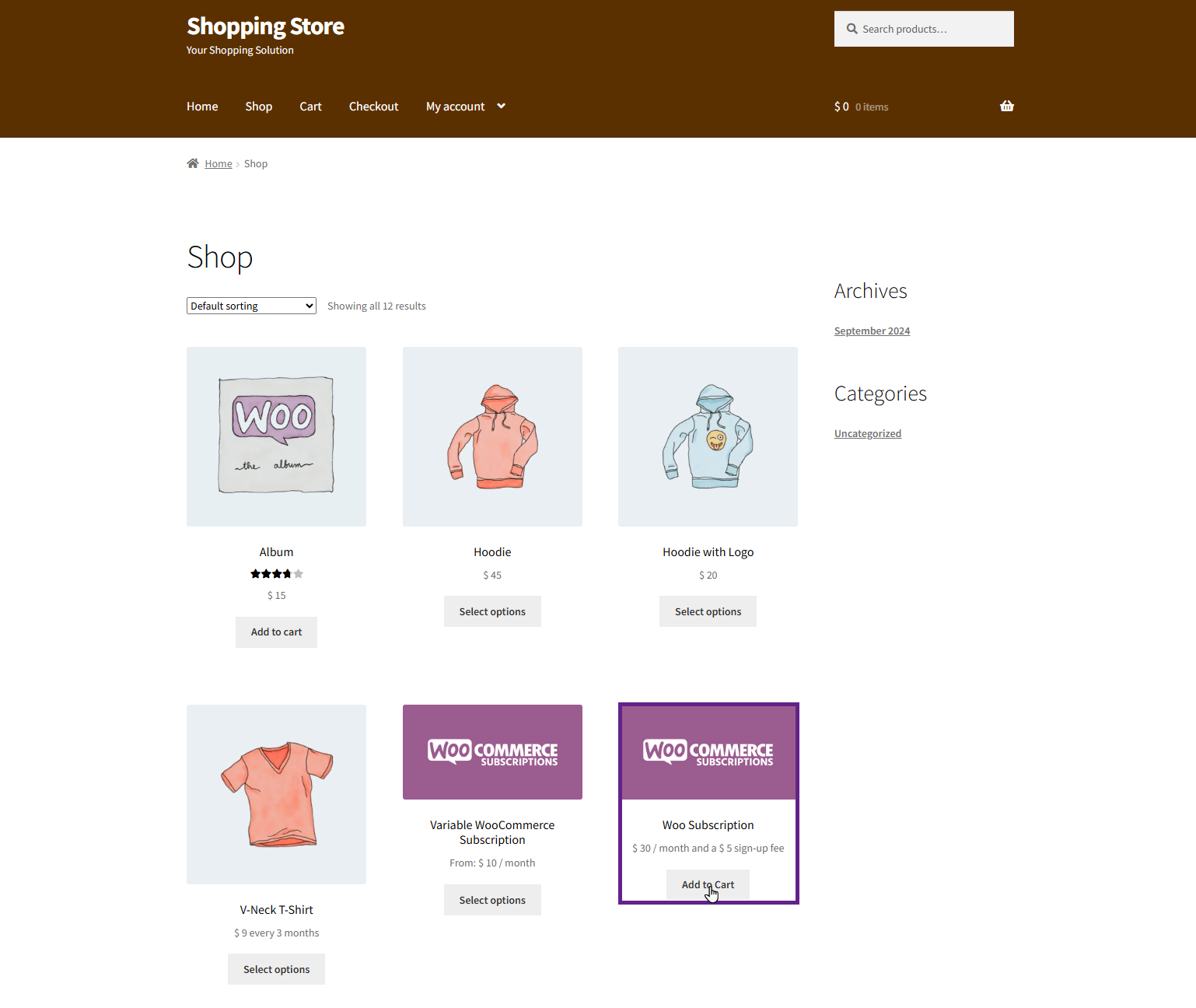
Navigate to the Shop page.
Select the WooCommerce Subscription product and add it to the cart.
Proceed to the Checkout page.
Select the Pay with mycred payment gateway option.
Once done, Click the Place Order button.
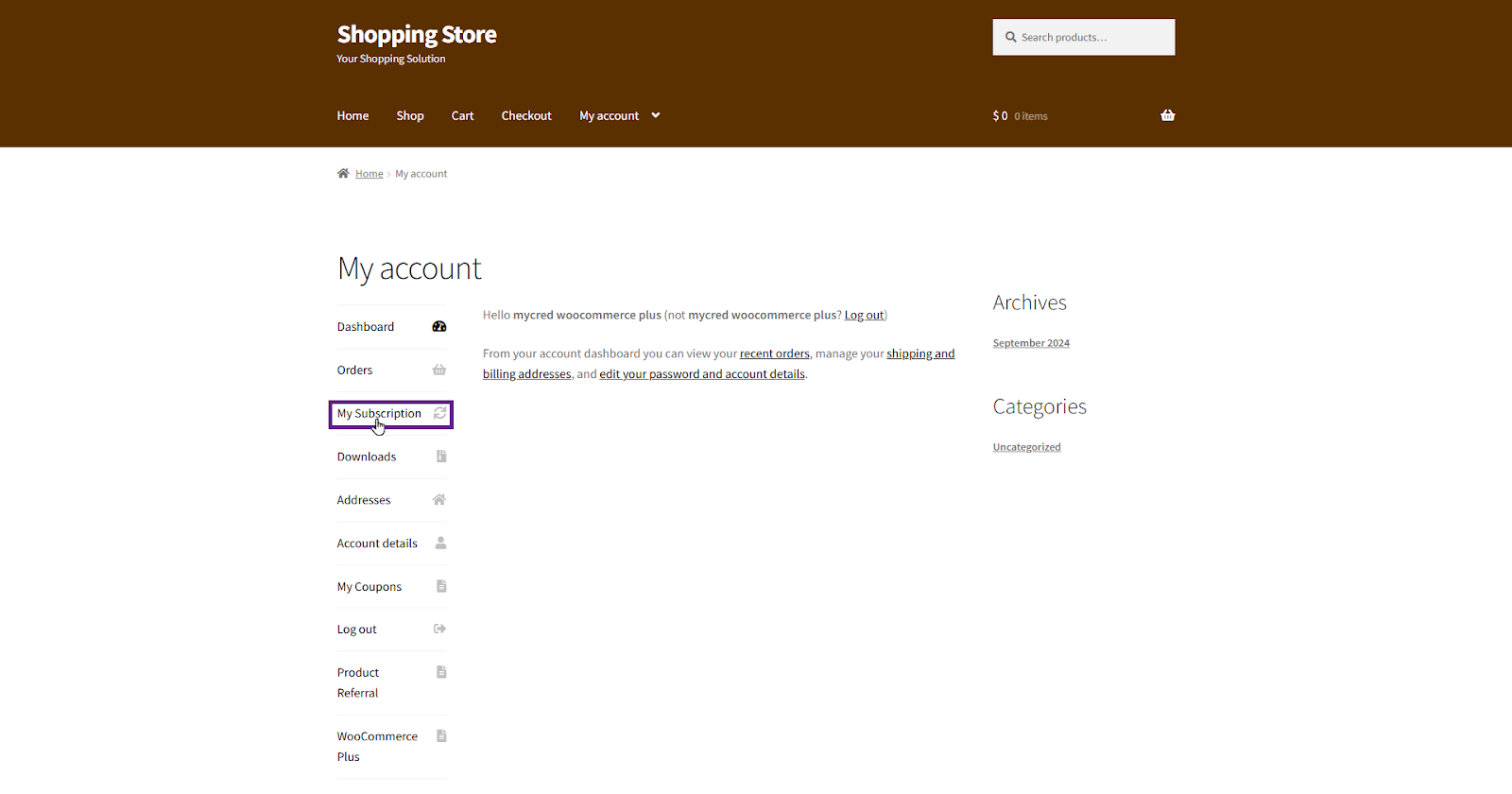
Users can manage their subscriptions by navigating to My Account > Subscription.