
myCred Gamipress Importer
myCred GamiPress Importer

Introduction
The myCred Gamipress Importer plugin allows you to import Gamipress data to myCred.
Activation
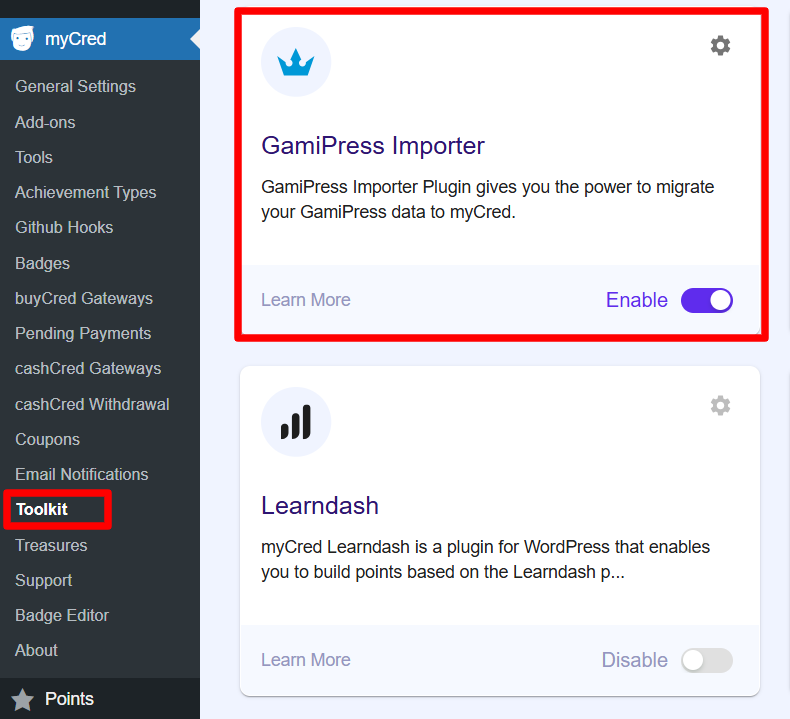
- Navigate to WordPress admin Dashboard > myCred > Toolkit
- Search GamiPress Importer
- Enable
Pre-Requisites
Plugin Features
- It allows you to move Gamipress points types to myCred point types
- It allows you to move Gamipress logs to myCred logs
- It allows you to move Gamipress Achievements to myCred Badges
- It allows you to move Gamipress Ranks to myCred Ranks
- It allows you to reassign all Gamipress user-earned points / Achievements / Ranks to myCred
Step 1: Import Gamipress Point Types:
- Click on the Gamipress Import Points Types button
- It will import all Gamipress point types into myCred
- Once all point types are successfully imported
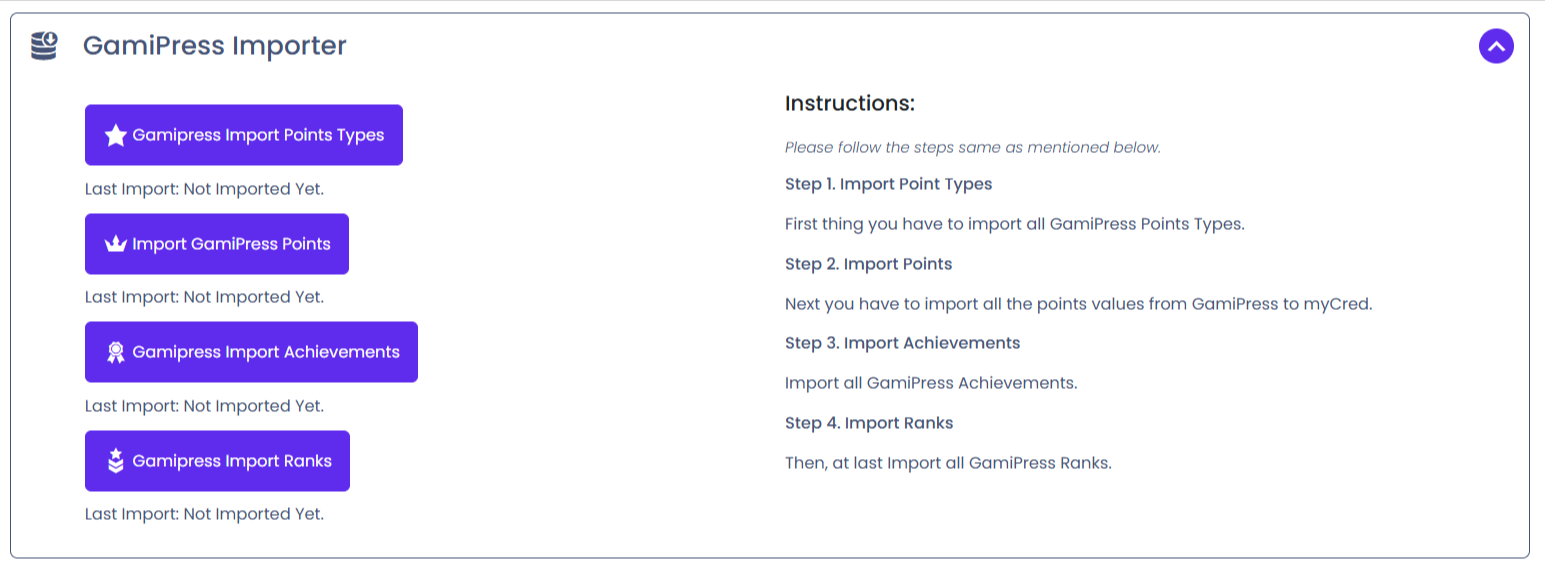
- You will get the message: (Points Type successfully imported)
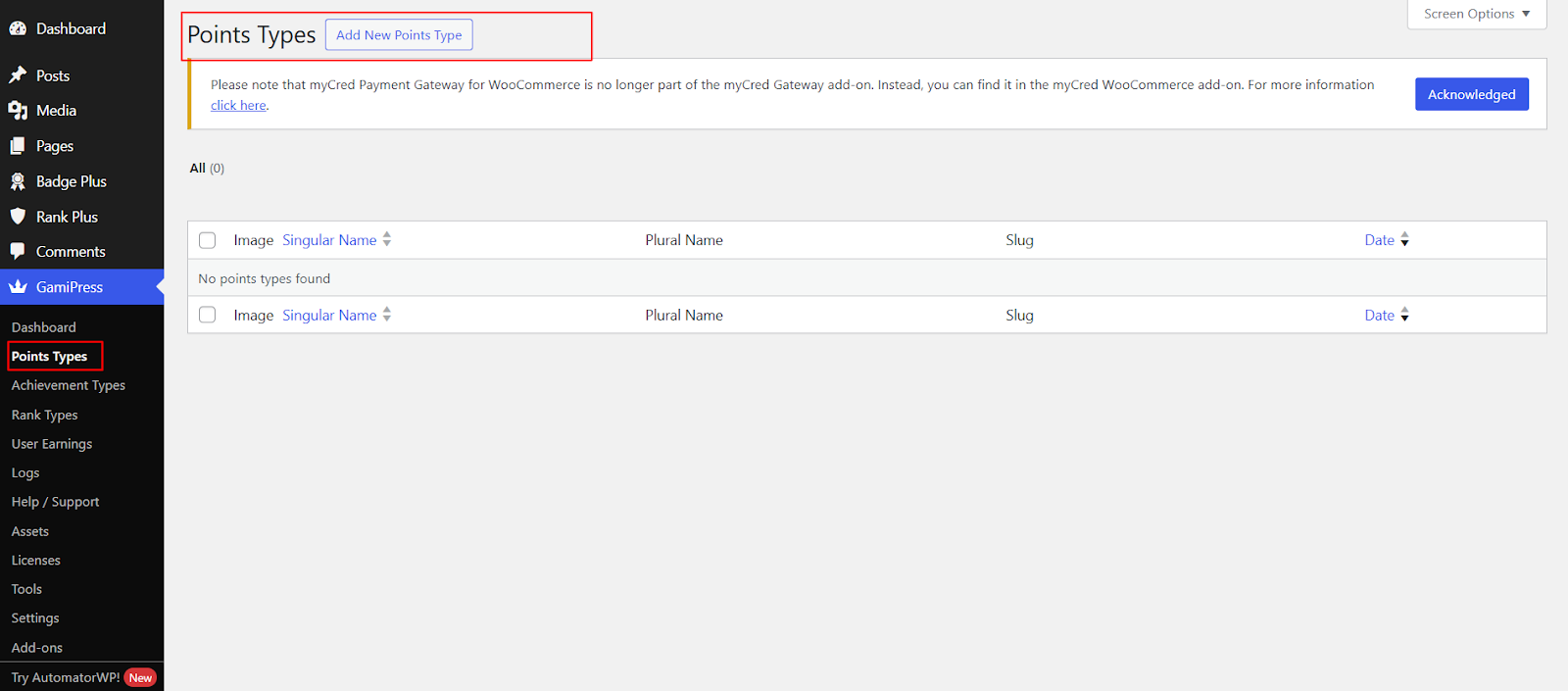
Step 2: Import Gamipress Points Log:
- To import the Gamipress user log entries.
- Click on the Import Gamipress Points button.
- It will import each point type log separately.
- Once all point type logs have been imported successfully, you will get the message: (Gamipress points successfully imported)

- User log entries that are successfully imported from Gamipress.

Step 3: Import Gamipress Achievements:
- Before importing achievements from Gamipress, you must have to activate the Badges Add-on.
- To activate the Badges add-on.
- Navigate to the Gamipress > Achievement types
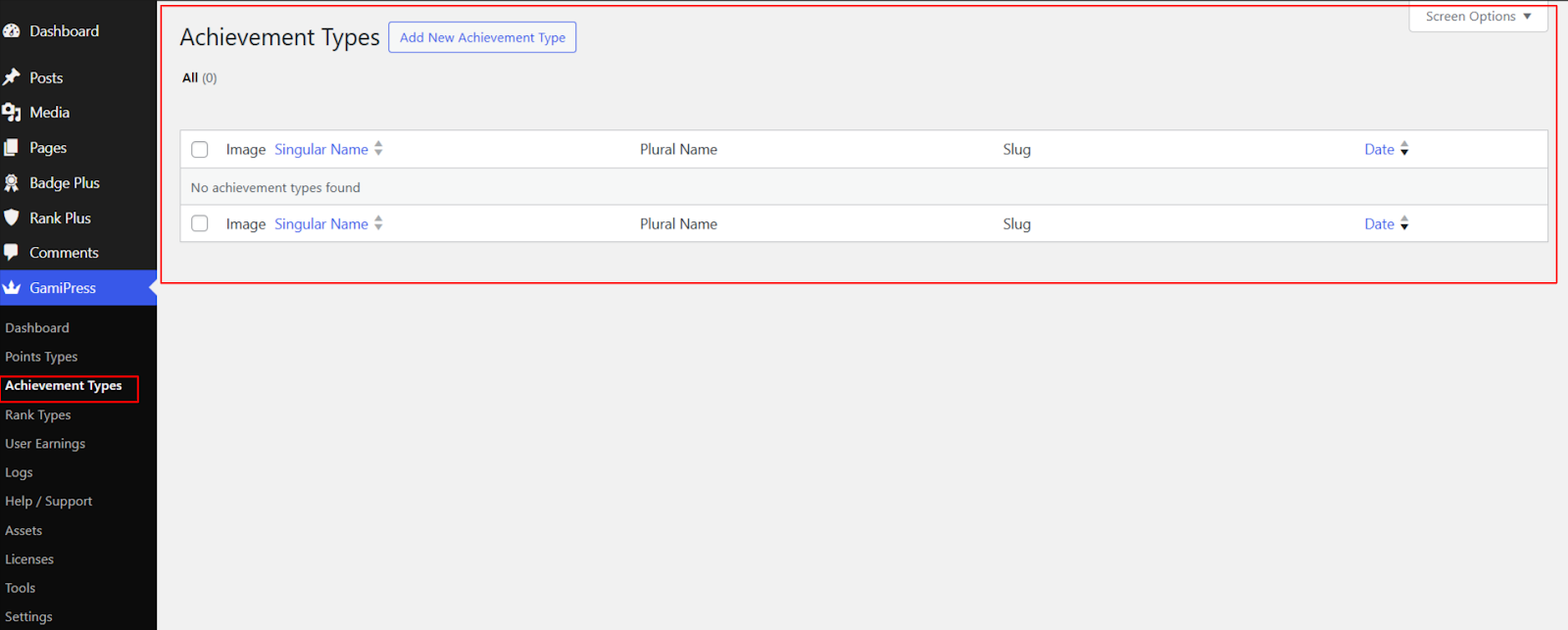
- Activate the Badges add-on

- Make sure myCred Badges add-on is activated.
- To import all Gamipress achievements into myCred.
- Click on the “Gamipress Import Achievements” button.
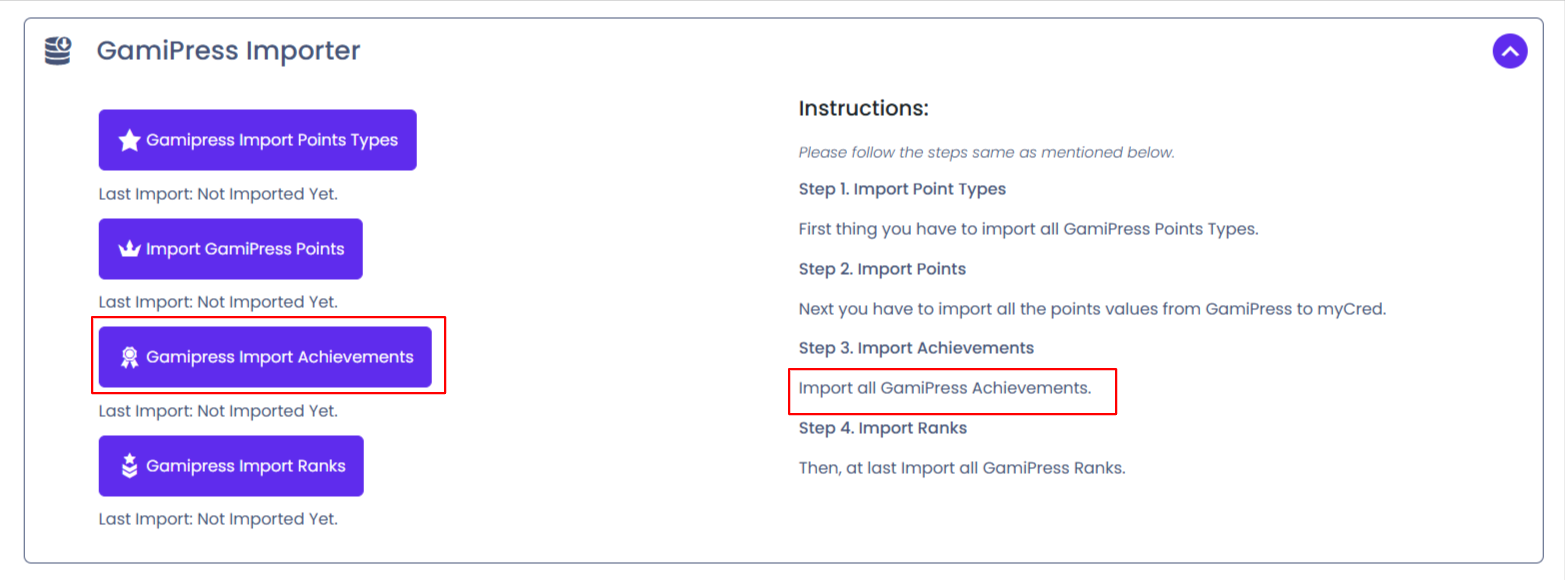
- Once all Gamipress Achievements have been imported successfully. You will get the message: (GamiPress achievements has been migrated successfully)

Step 04: Import Gamipress Ranks
- To import all gamipress ranks into myCred.
- Click on the “Gamipress Import Ranks” button.
- Once all Gamipress Ranks have been imported successfully. You will get the message: (Gamipress Ranks has been migrated successfully)
