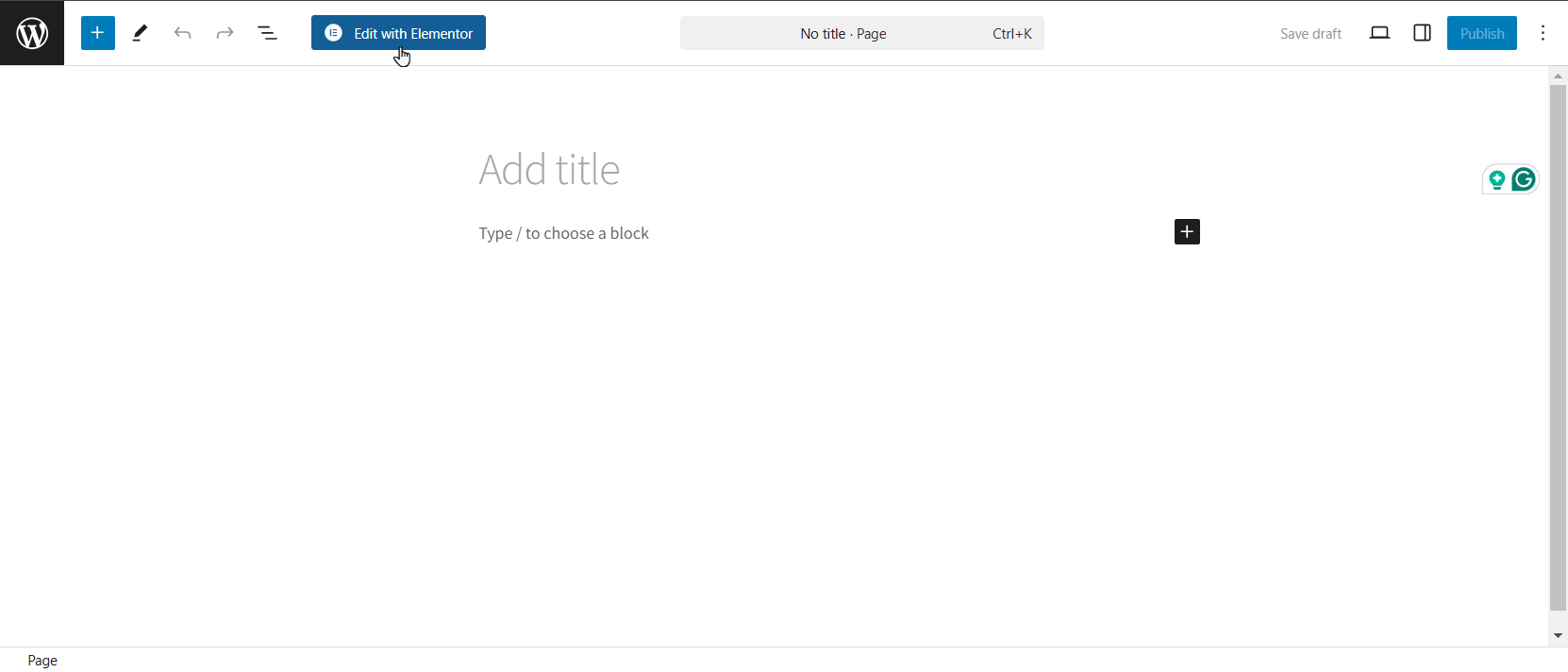
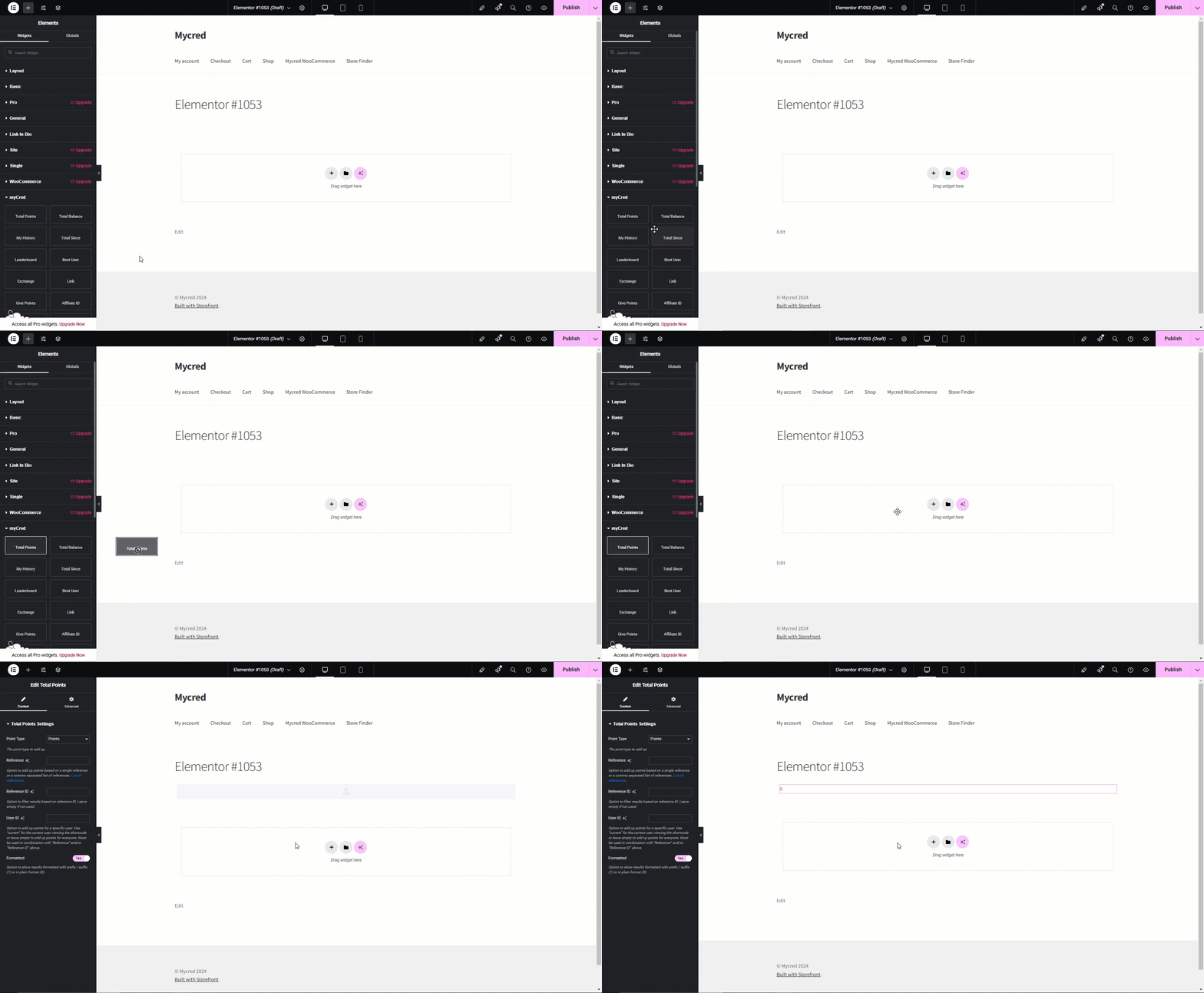
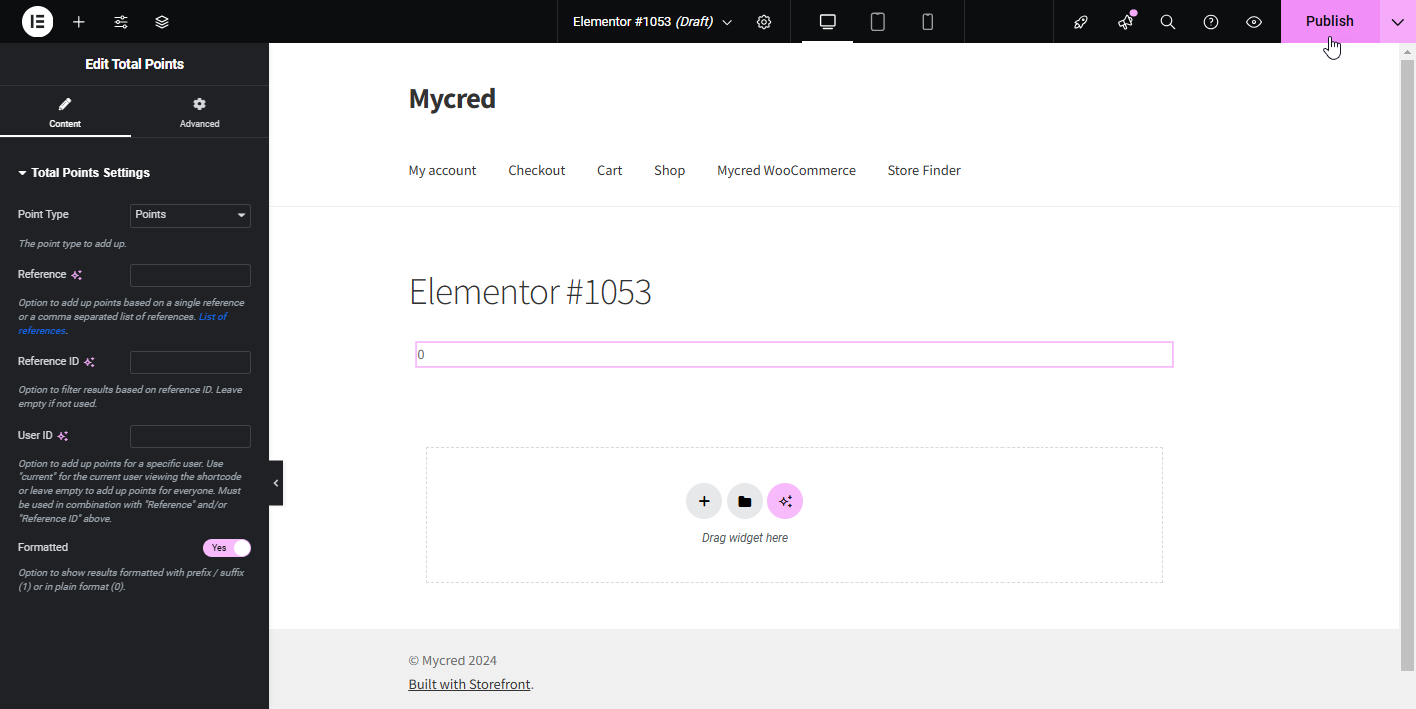
Elementor Estimated reading: 1 minute 2484 views myCred for Elementor Introduction Elementor with myCred plugin converts myCred shortcodes into Elements of Elementor. There are 34 myCred Elements supported in this addon which helps admin to drag and drop each Element according to their requirement. View Product Getting StartedEnsure your myCred plugin is updated to the latest version, i.e., myCred v2.9 or greater.Elementar needs to be installed. Once installed and activated, navigate to WordPress Admin Dashboard → Pages.Click the Add new Pages or Edit a page. Once on a New Page, the admin can view a button labeled with Edit with Elementor.Click the Edit with Elementor button. The admin will be navigated to the Elementor Editor page. Scroll down to the left side panel of the elementor editor.The admin can view the myCred block. In order to use the block, just drag and drop it on the page. Click the Publish button. Frontend Impact