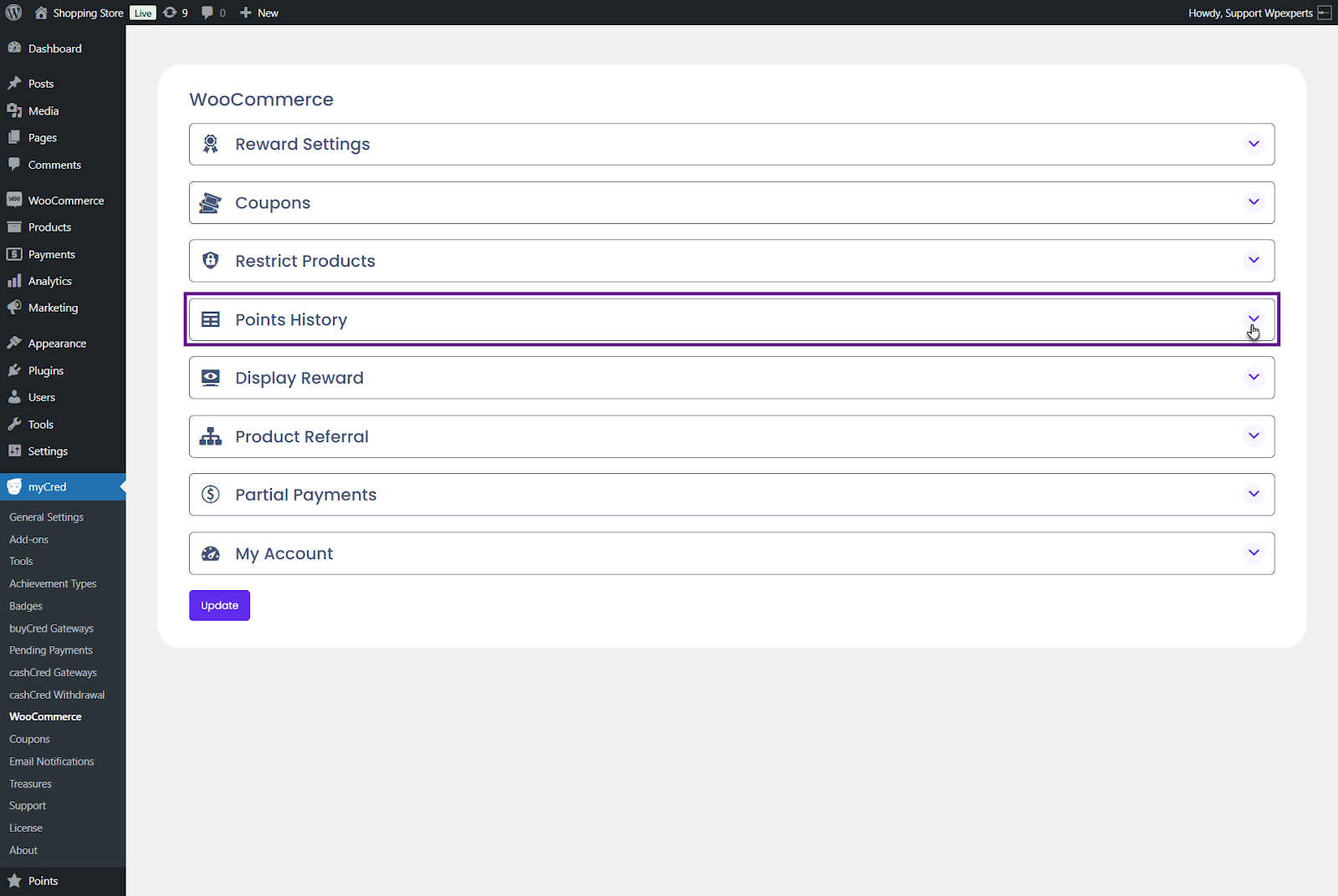
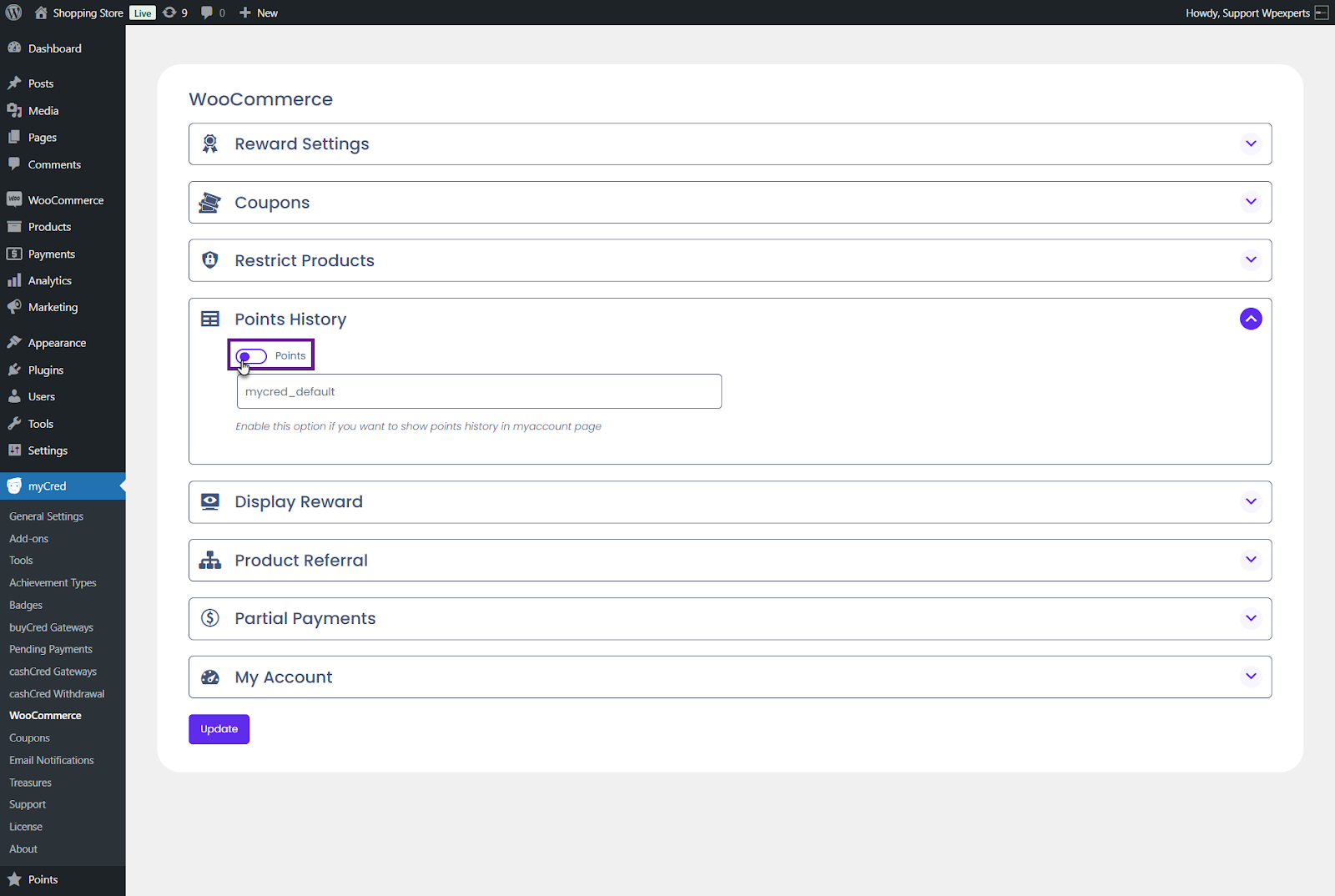
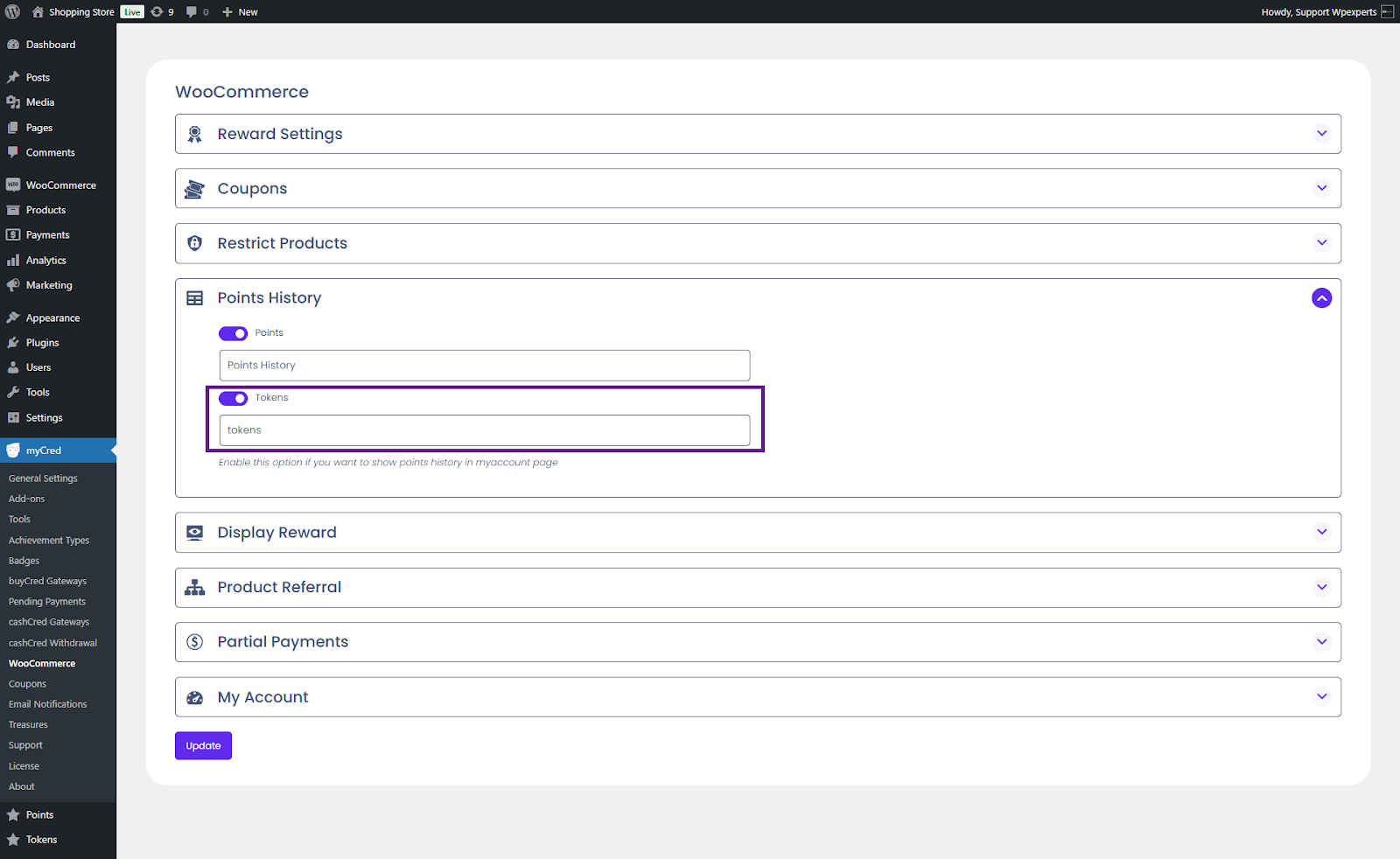
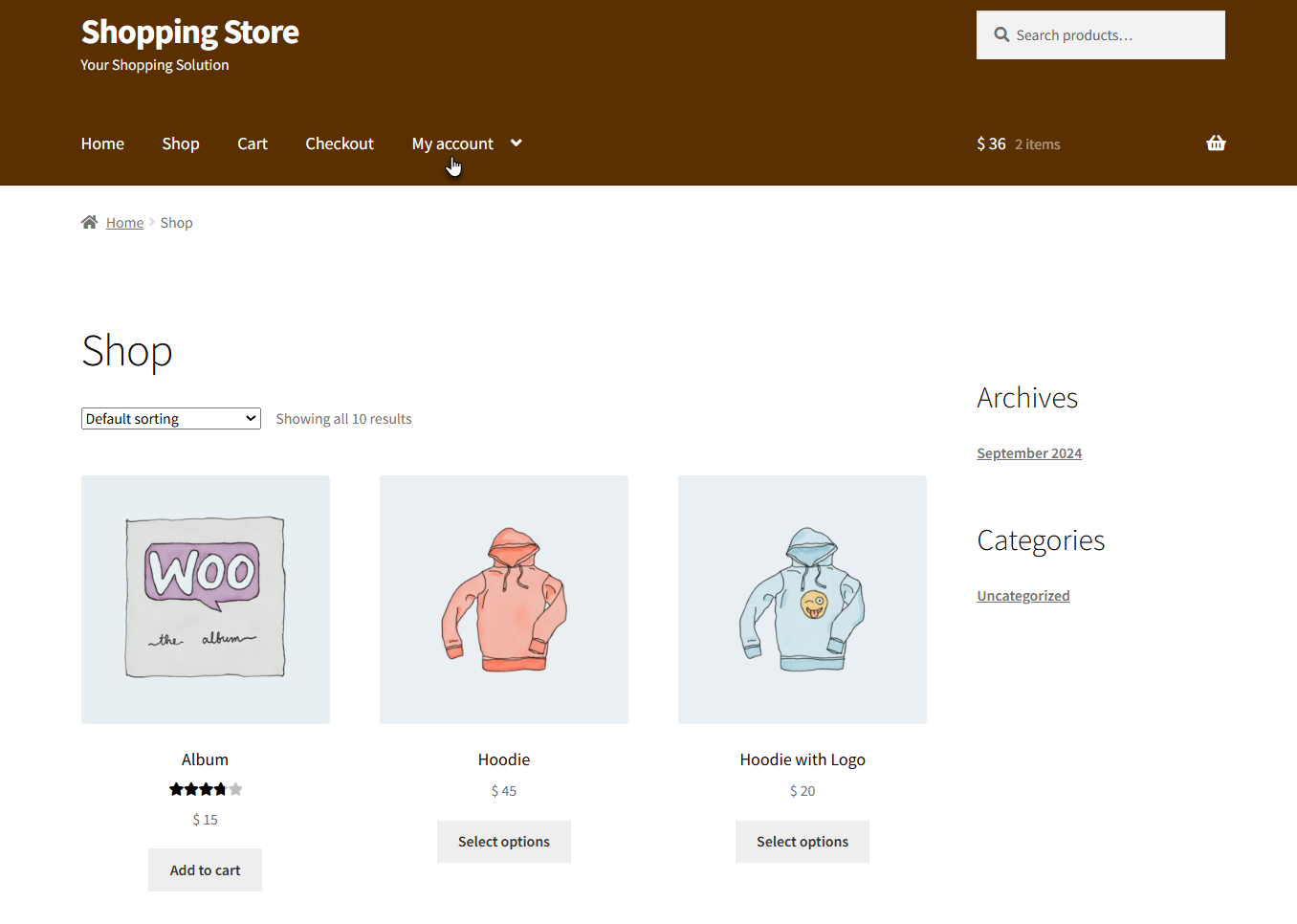
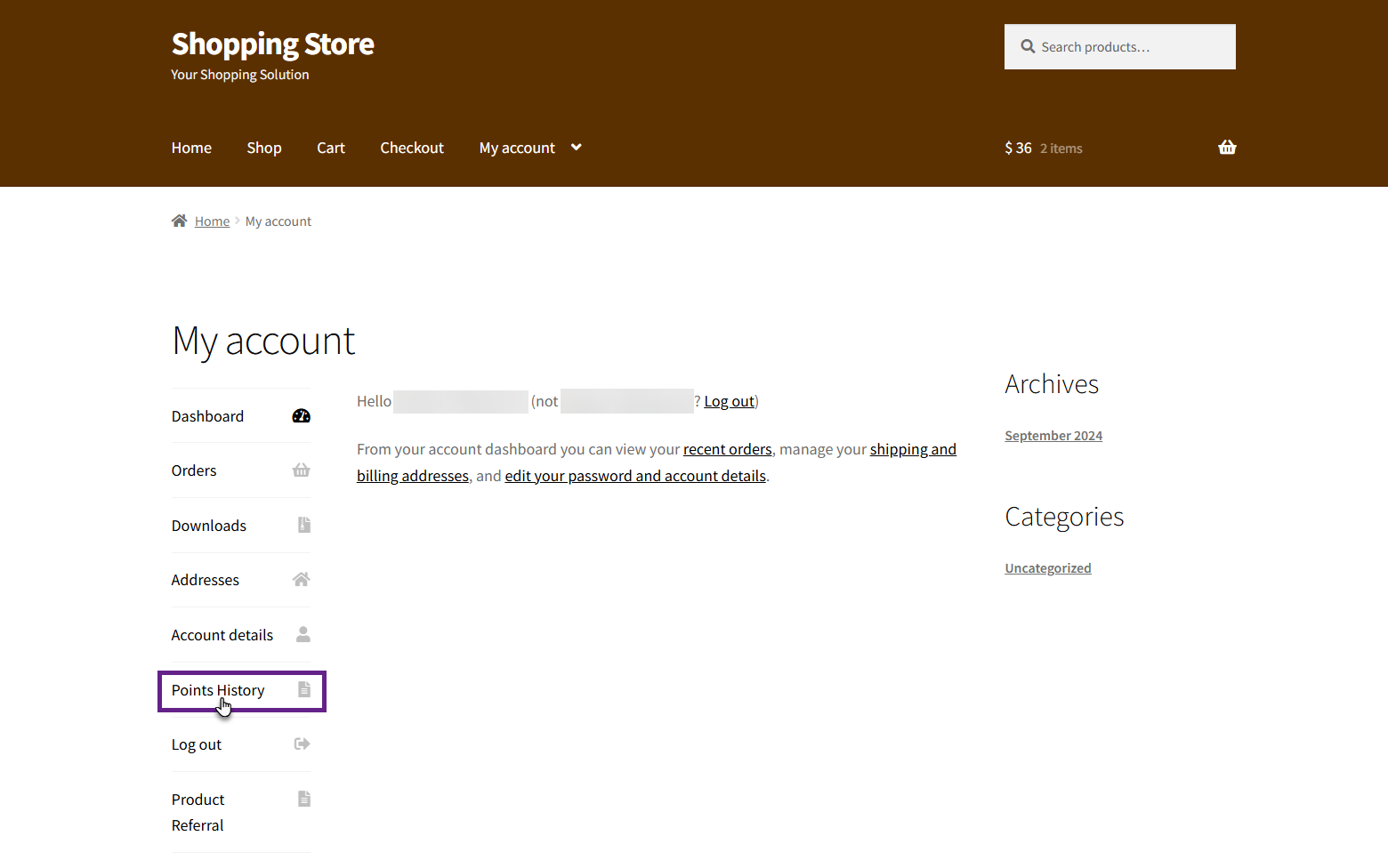
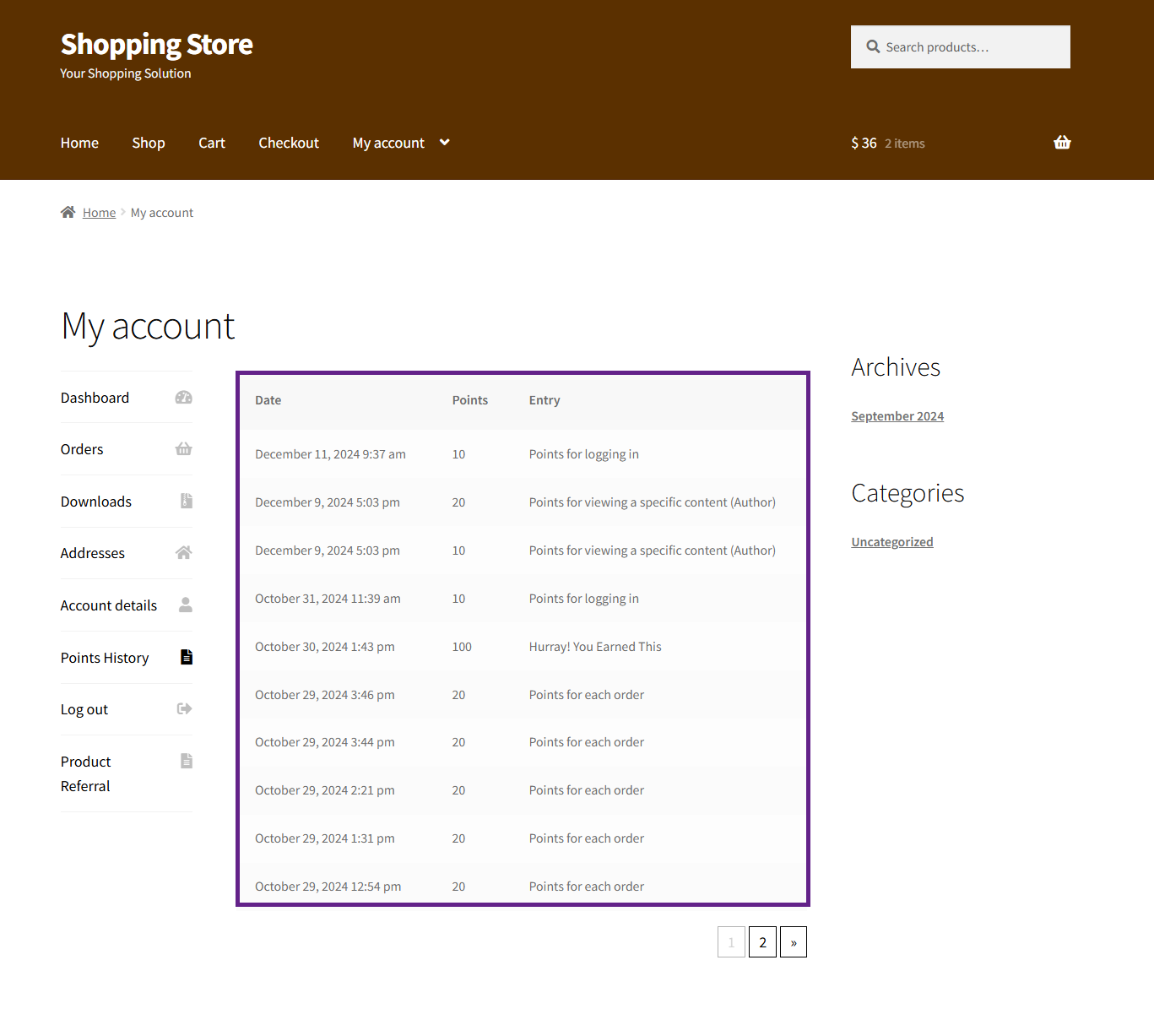
Points History Estimated reading: 1 minute 2797 views Points History Points History displays myCred points log on the user’s My Account page. Back-End Settings Go to the Admin Dashboard > myCred > WooCommerce. Navigate to the Points History section. Enable the Points toggle button. Enter the tab name to be displayed on the front end. By default, the Meta Key of the point type will be used as the tab name. Once done, click the Update button. Note: A separate toggle button will appear for each created point type. Front-End Impact Go to the website.Navigate to the My Account page. A points history tab will be visible. Click on the Point History tab. Once clicked, the points history will be displayed.