
Points For Numbers Of Order
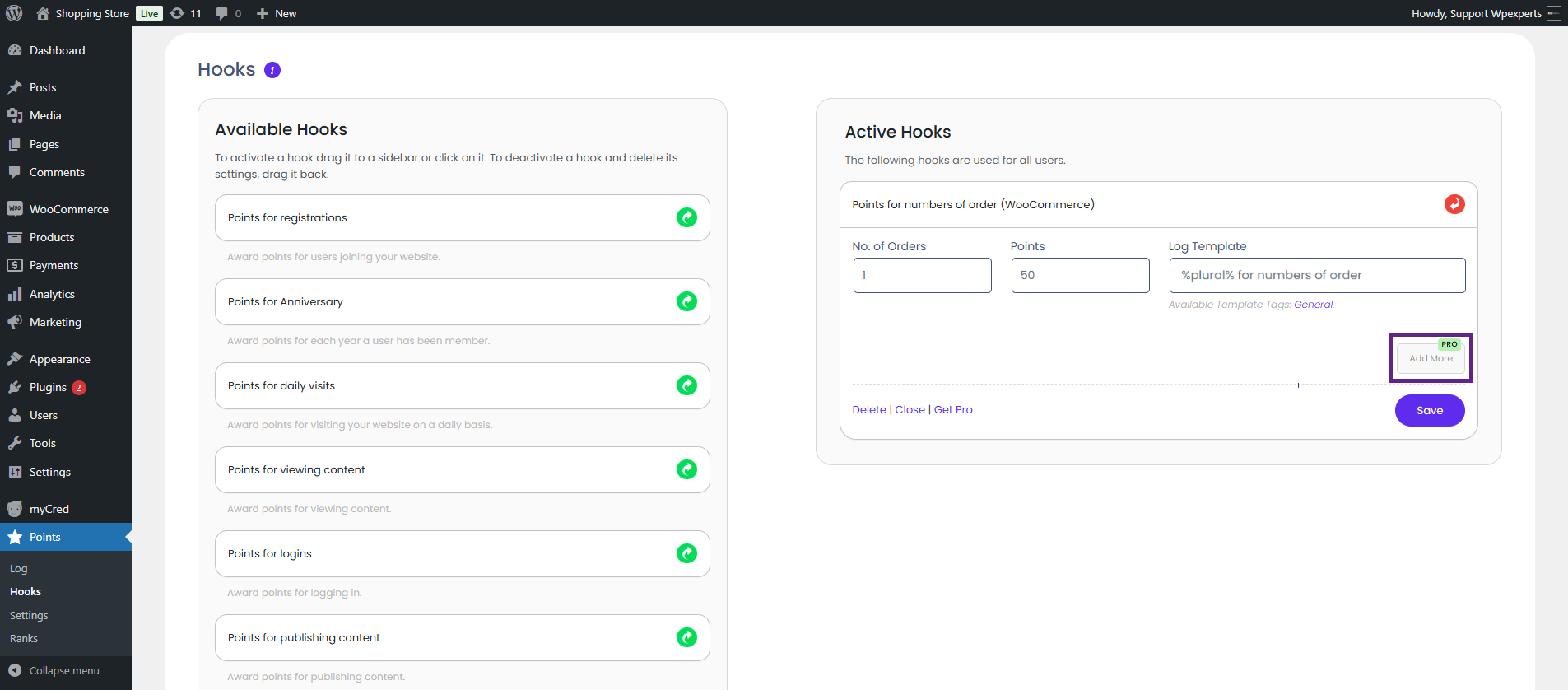
- Go to WordPress Admin Dashboard > Points > Hooks.

- Drag and drop the Points for numbers of order hook to the Active Hooks section.
- Adjust the hook settings according to your needs and click the Save button.
Note: The admin can adjust the number of orders. For the purpose of this documentation, we have set it to 1 to simplify the explanation.
- Go to the website.
- Navigate to the Shop page.
- Select a product and place an order.

- The user has been awarded points for placing 1 order.
