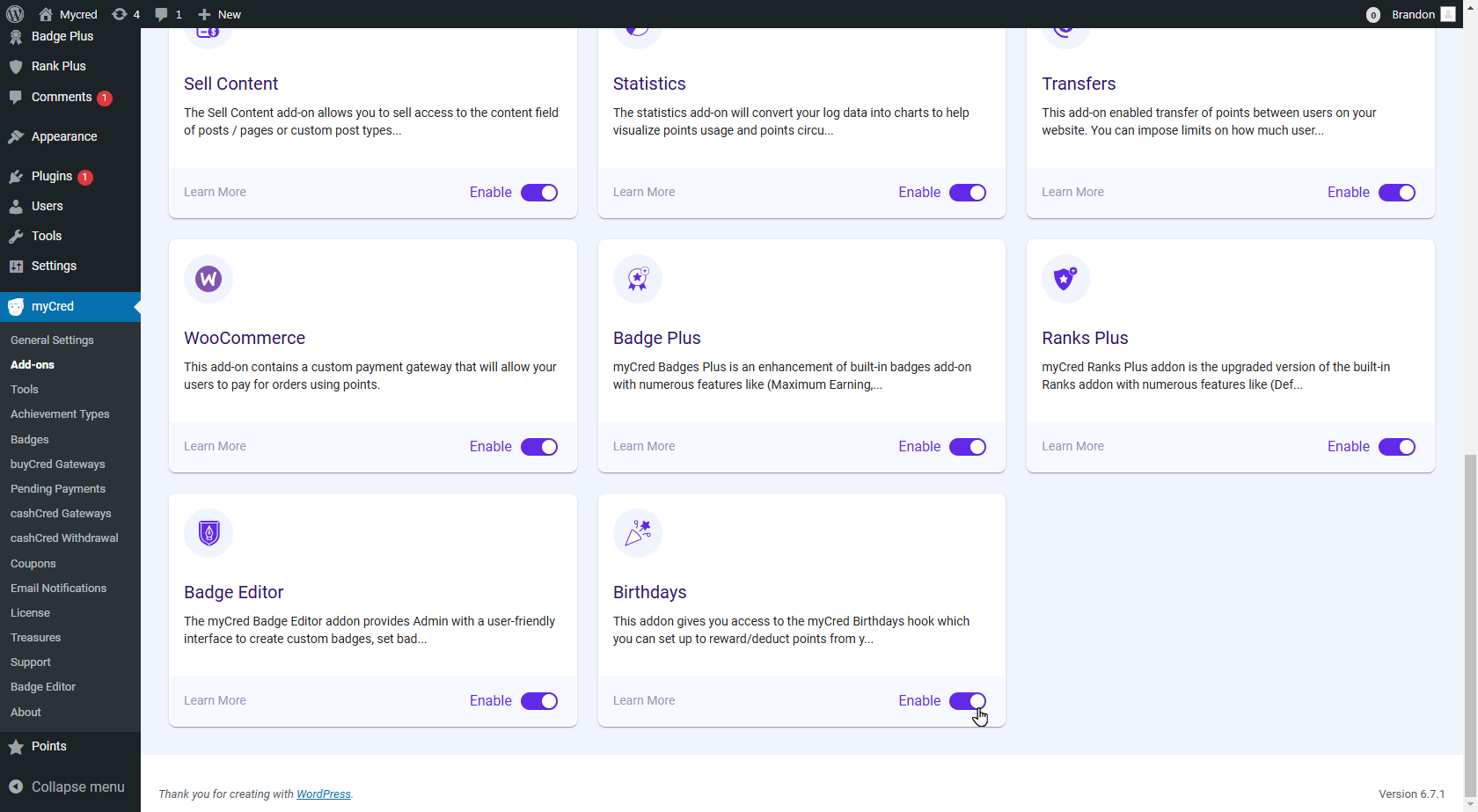
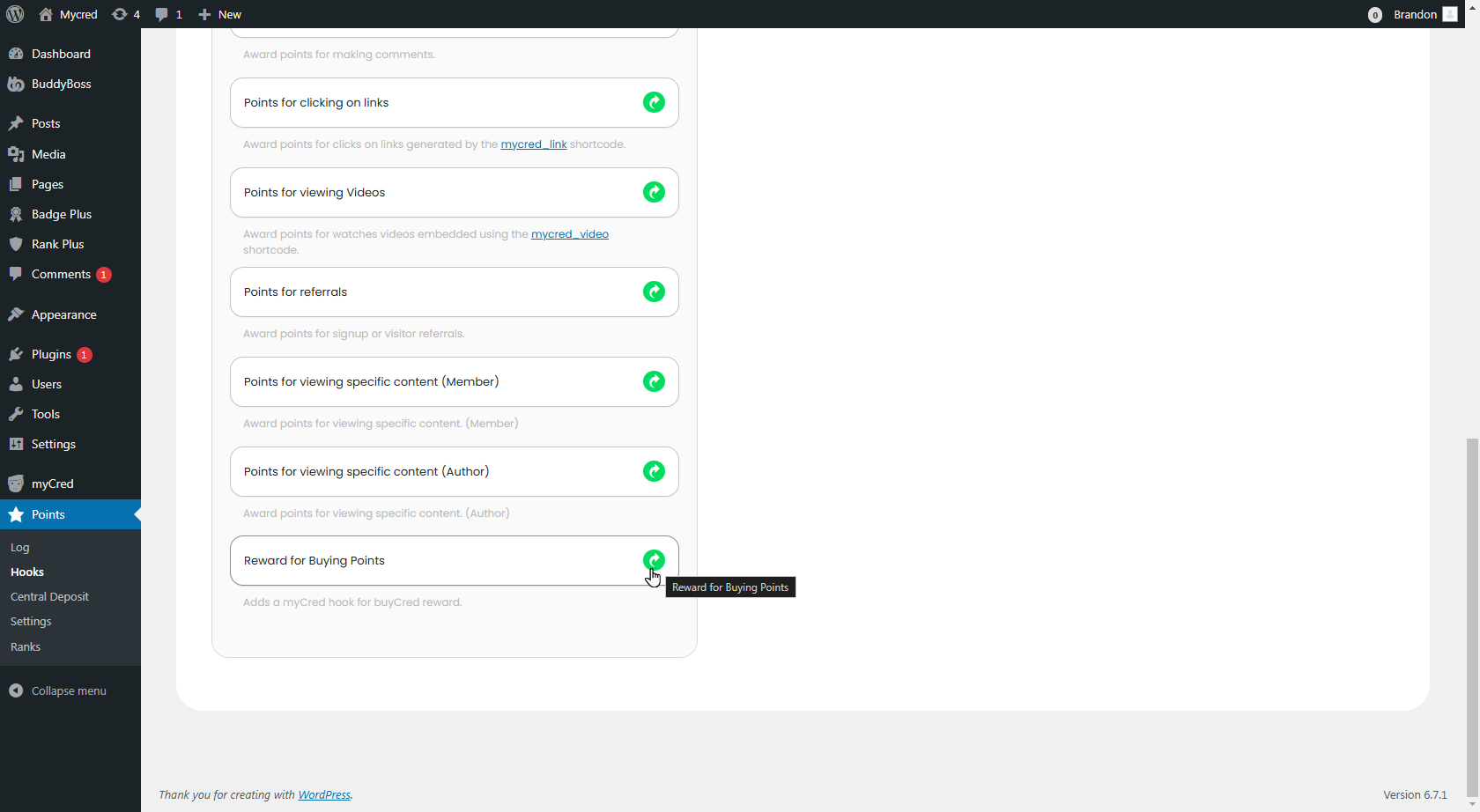
myCred Birthday Estimated reading: 1 minute 1228 views myCred Birthday Navigate to WordPress Admin Dashboard → myCred → Addon Scroll down to the Birthday addon. Enable the Birthday addon. In your WordPress Admin Dashboard, go to WordPress Admin Dashboard → myCred Points → Hooks. On the Hooks page, scroll down to the Birthday hook. Click the Icon. Once clicked, the hook will be listed as an Active Hook.Click Save to activate the hook.