The MyCred Badge Editor platform provides Admin with a user-friendly interface to create custom badges, set badges properties, and define the rules for badges distribution and usage.
No Separate Installation Required: The myCred Badge Editor features are now part of the myCred plugin. Ensure your myCred plugin is updated to the latest version to access these features.
Steps to Access myCred Badge Editor:
Update myCred Core:
Make sure your myCred plugin is updated to the latest version, i.e. myCred v2.9 or greater.
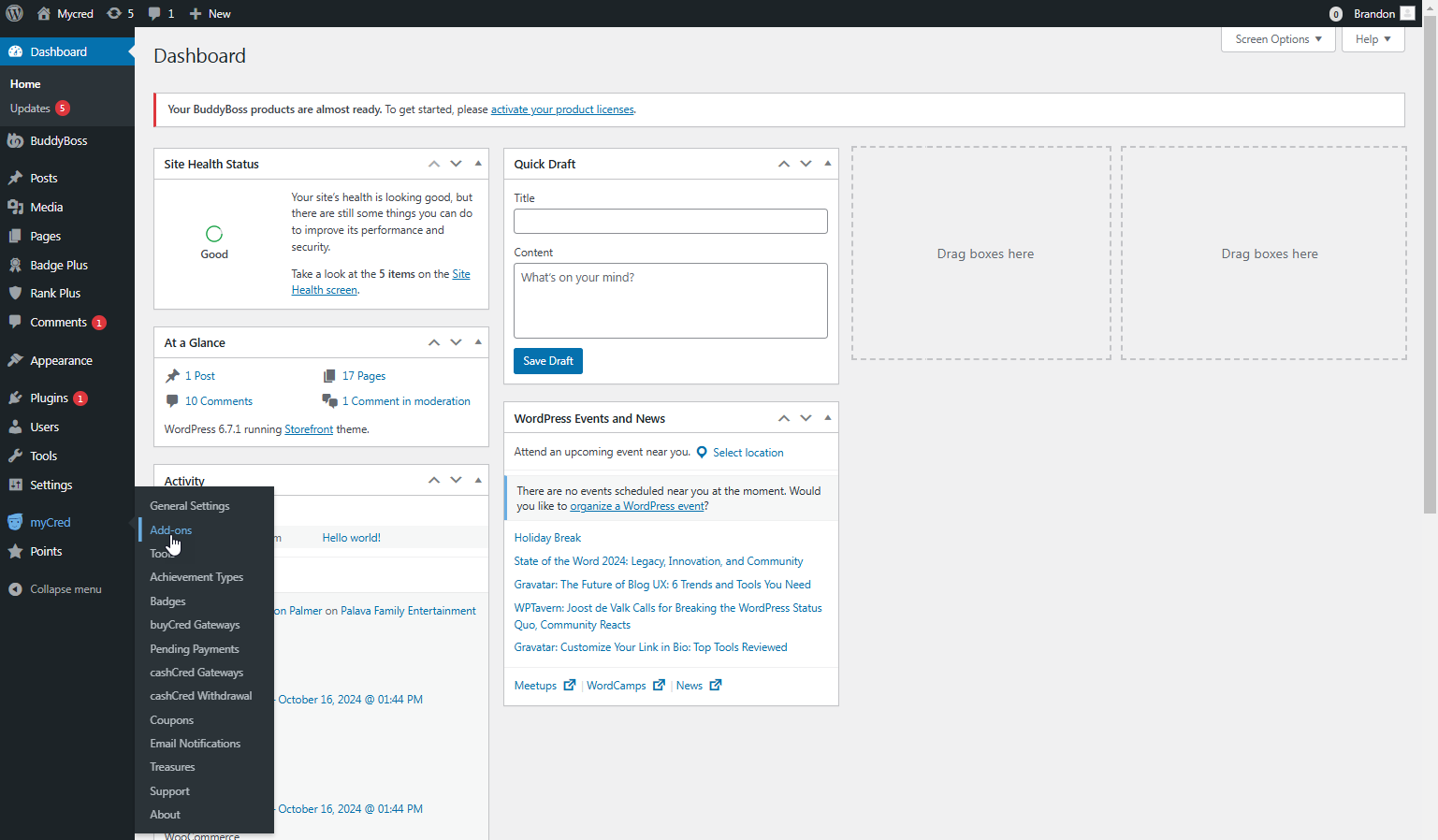
Navigate to WordPress Admin Dashboard → myCred → Addon.
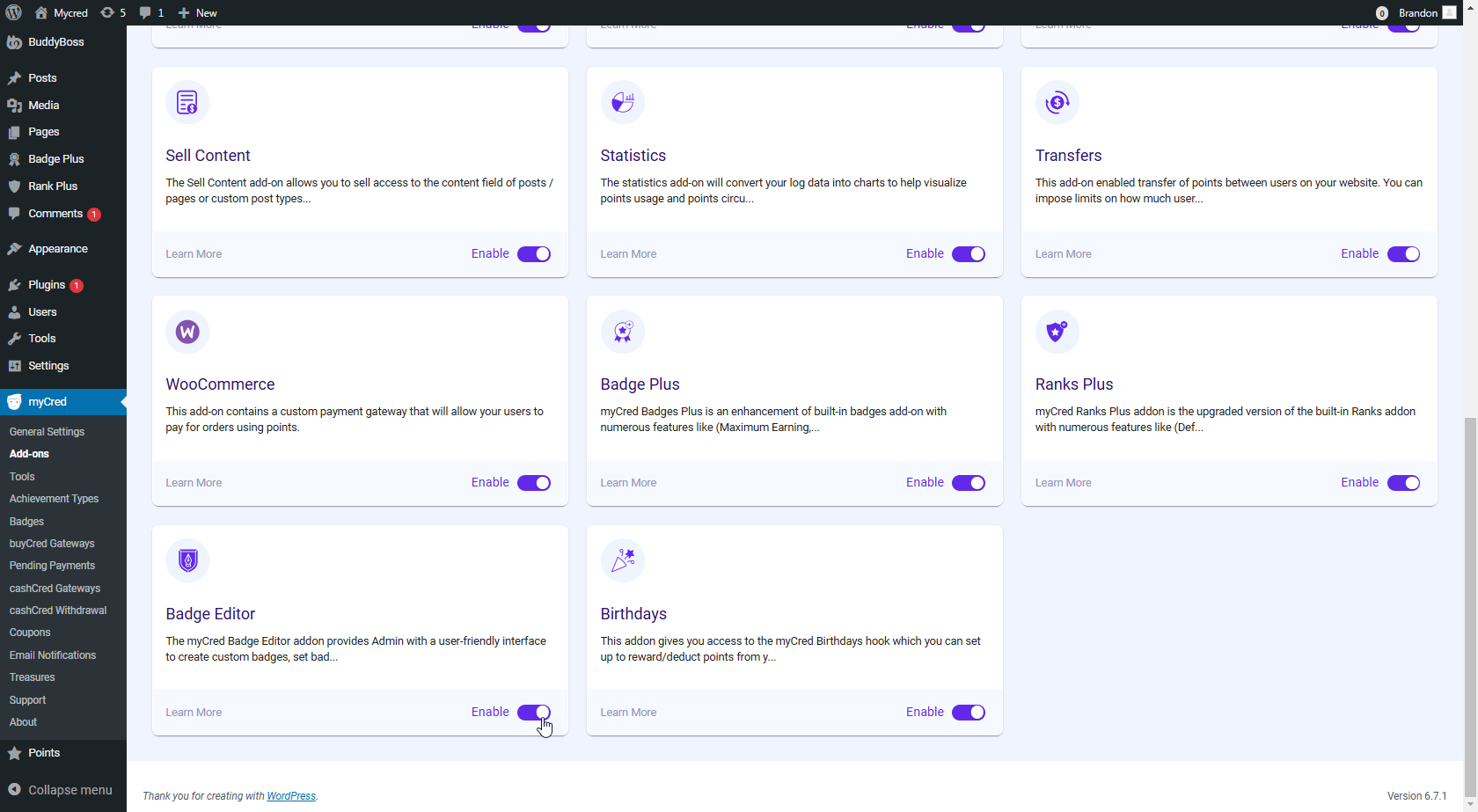
Scroll down to the Badge Editor addon.
Enable the myCred Badge Editor addon.
Navigate to myCred Badge Editor:
In your WordPress Admin Dashboard, go to WordPress Admin Dashboard → myCred Badge Editor.
Once clicked, the admin can use the myCred Badge Editor to meet their needs.