The Points for Viewing Specific Content (Members) hook enables the admin to reward members for viewing specific content on the website.
Available since version 2.8
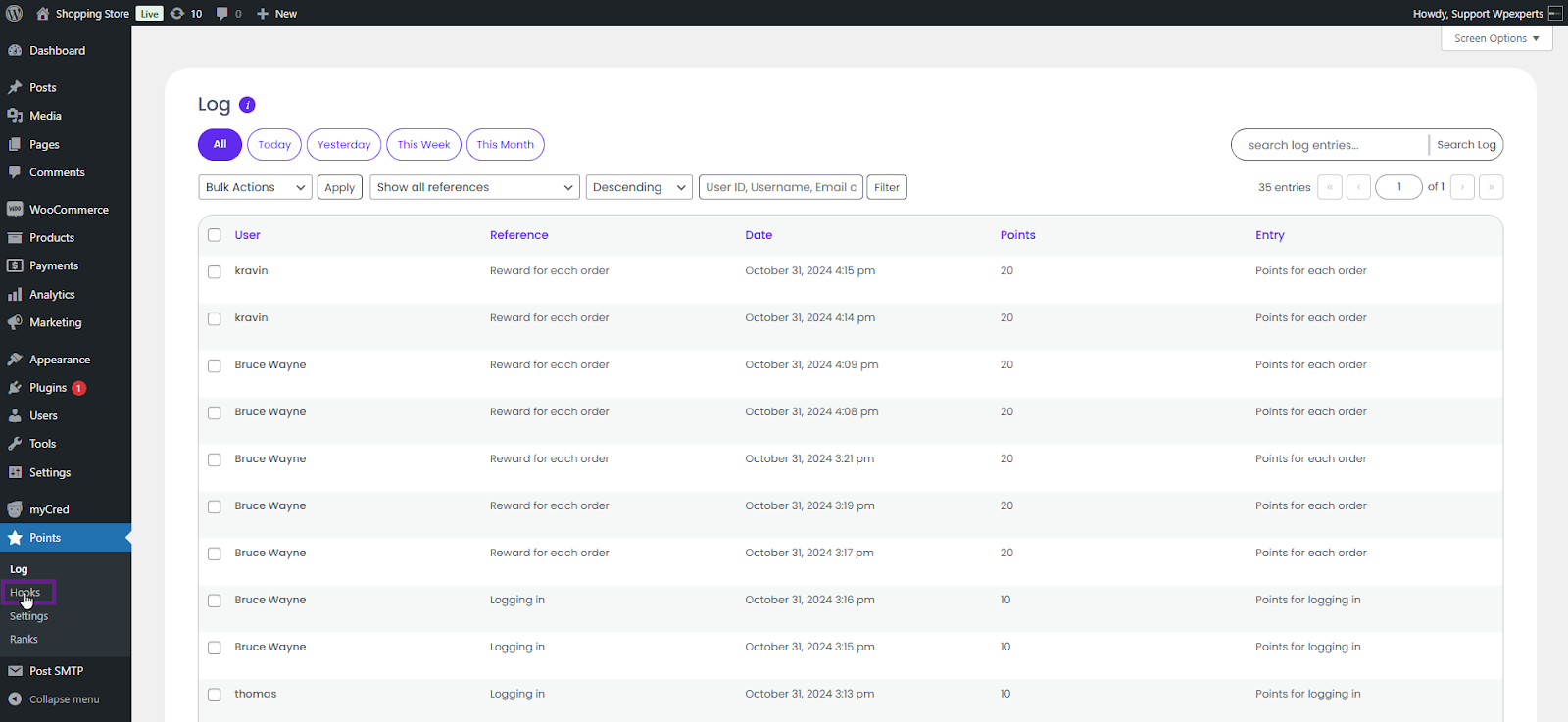
Go to the Admin Dashboard > Points > Hooks.
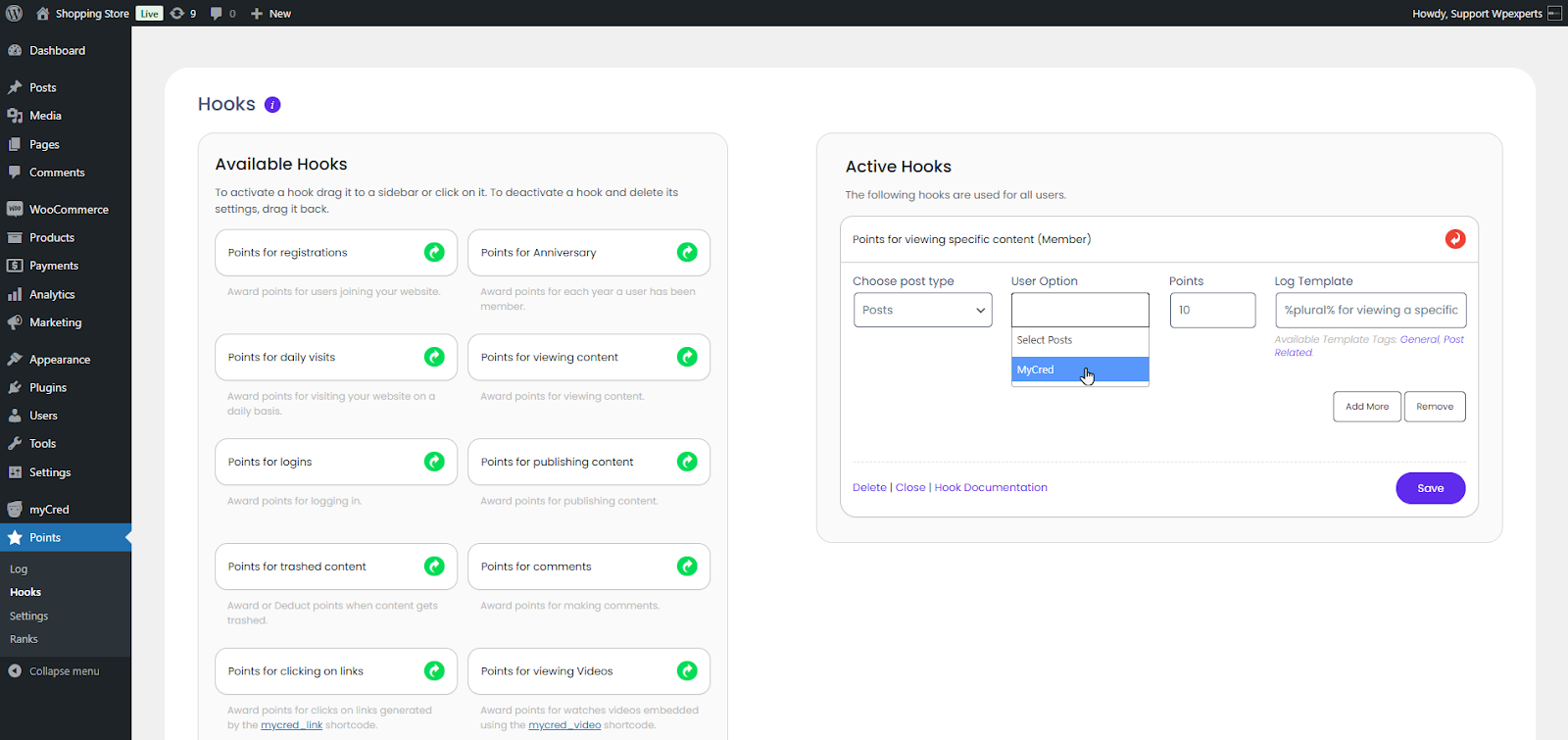
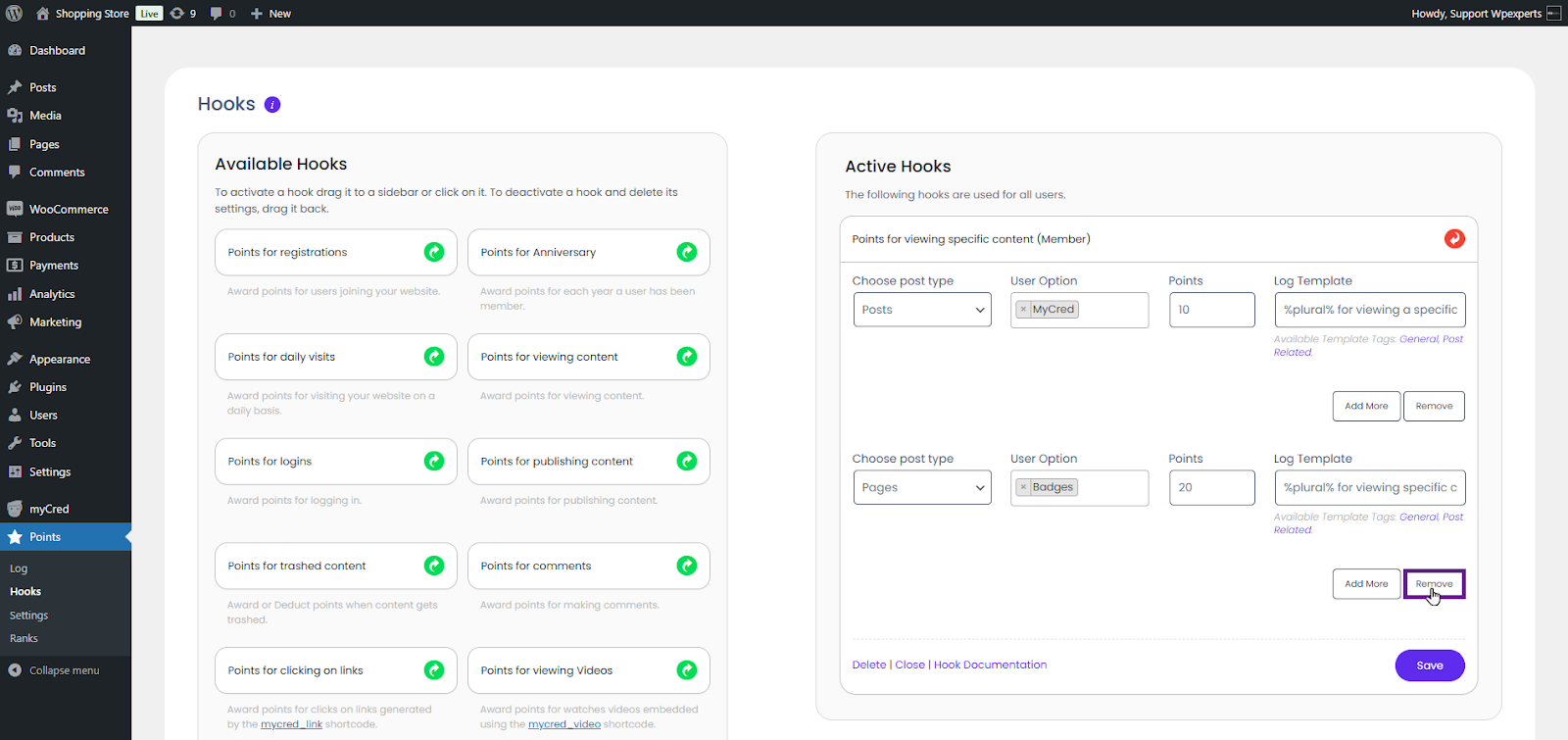
Drag and drop the Points for Viewing Specific Content (Members) hook in the Active Hooks section.
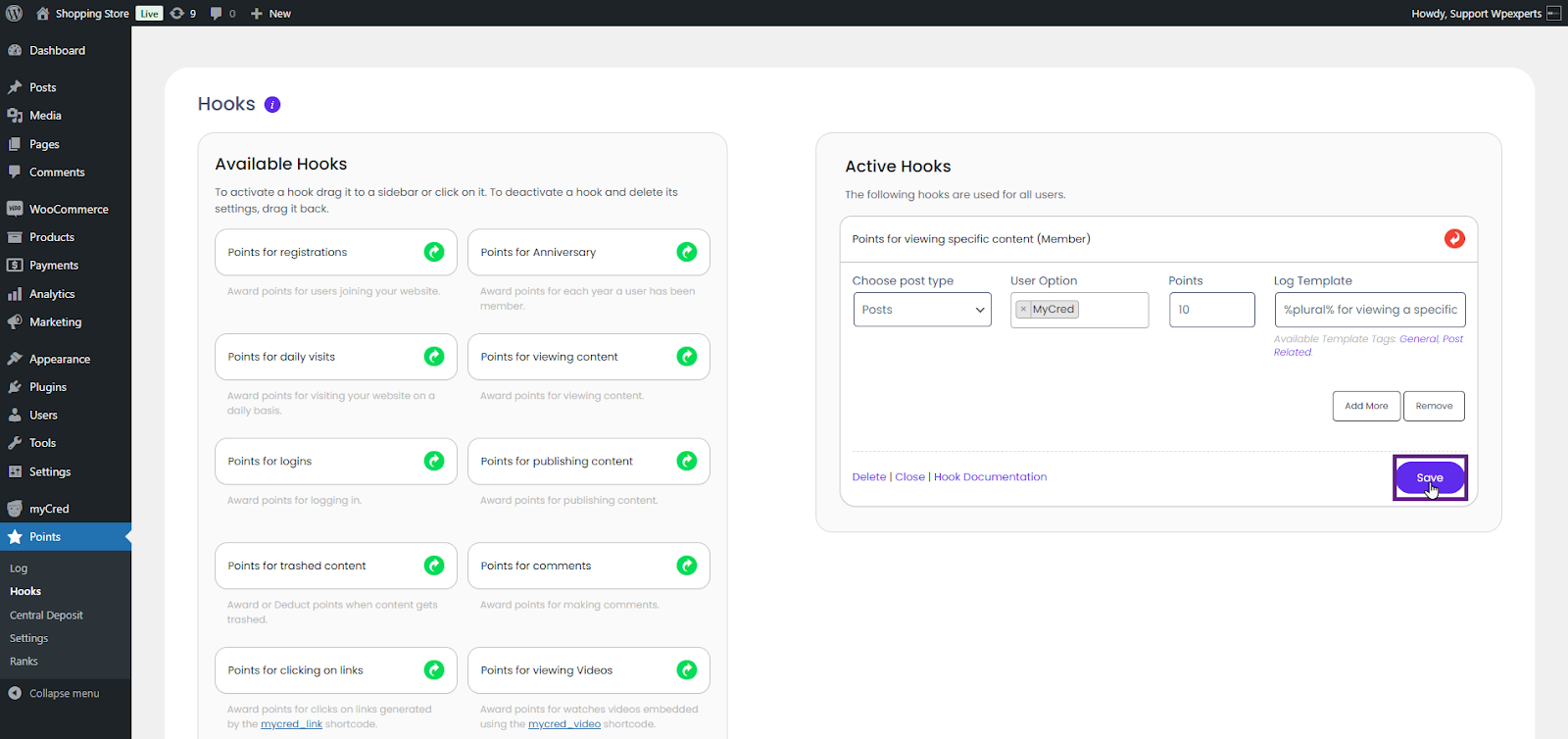
Once done, click the Points for Viewing specific content (Member) hook to open the hooks settings.
Choose the post type from the “Choose Post Type” dropdown menu in the settings.
Select the post(s) from the User Option multi-select dropdown.
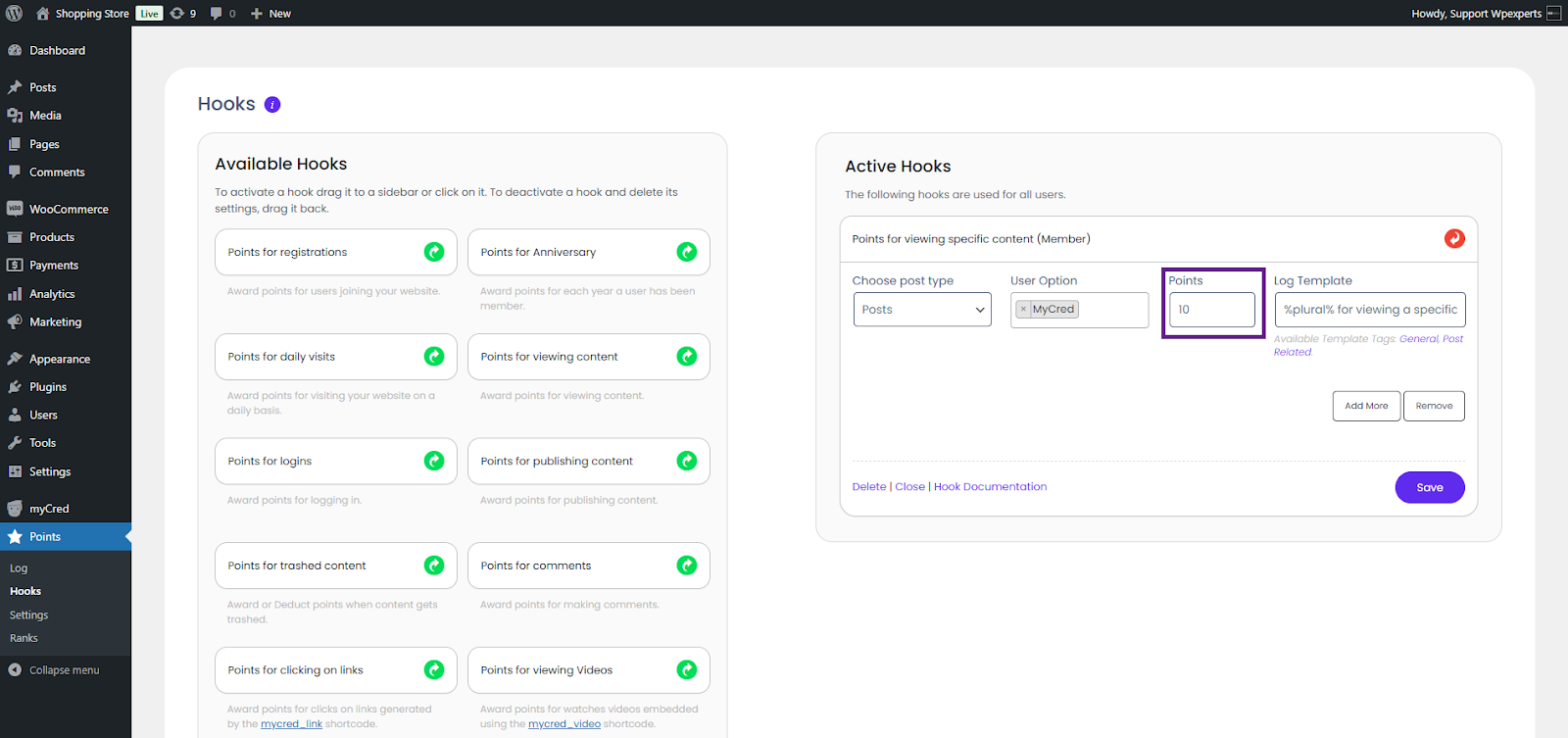
Set the reward points for the member to receive upon viewing the content.
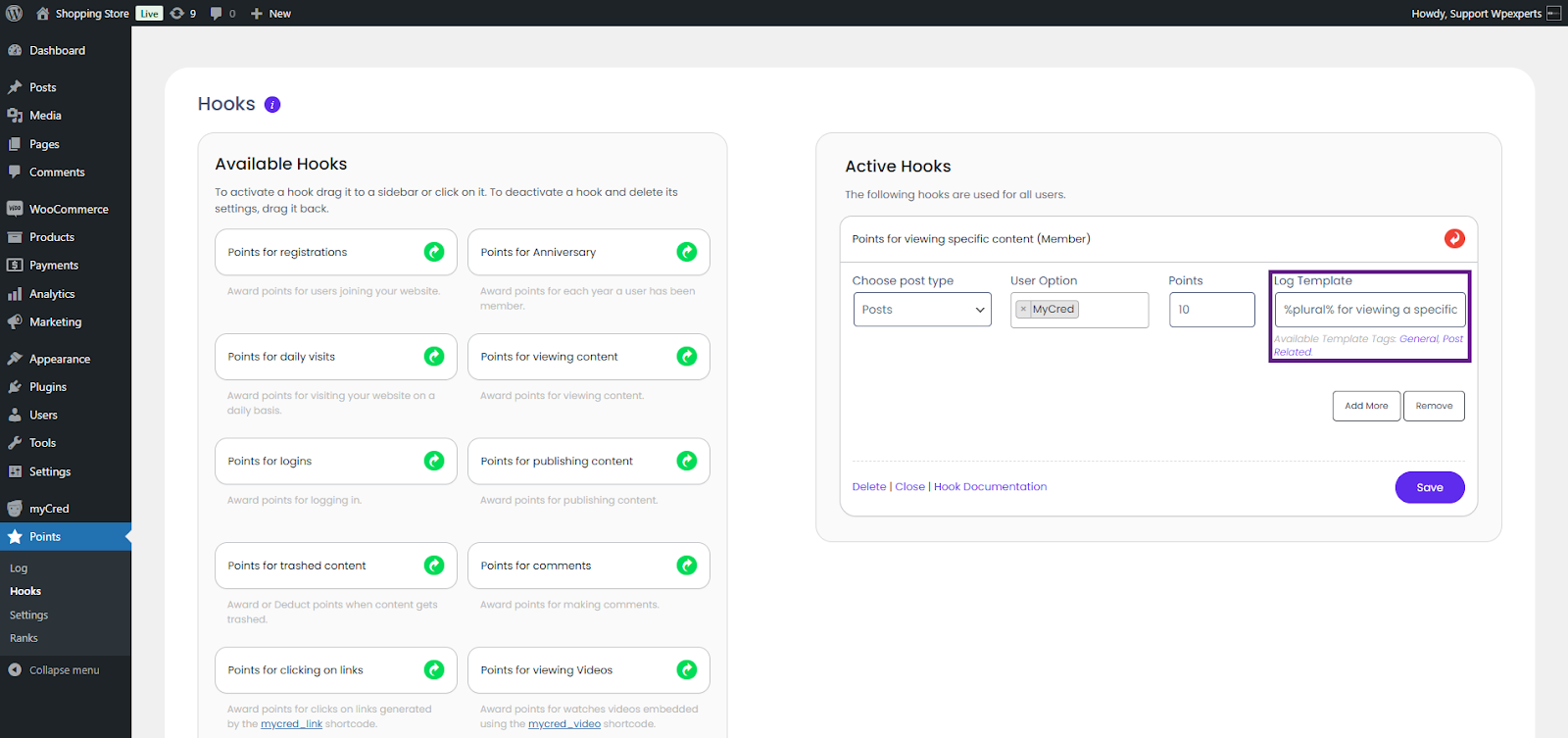
Enter the log template in the Log Template field.
The admin can also add multiple stages to the hook by clicking the Add More button.
The admin can remove the added stage by clicking the Remove button.
Once done, click the Save button.
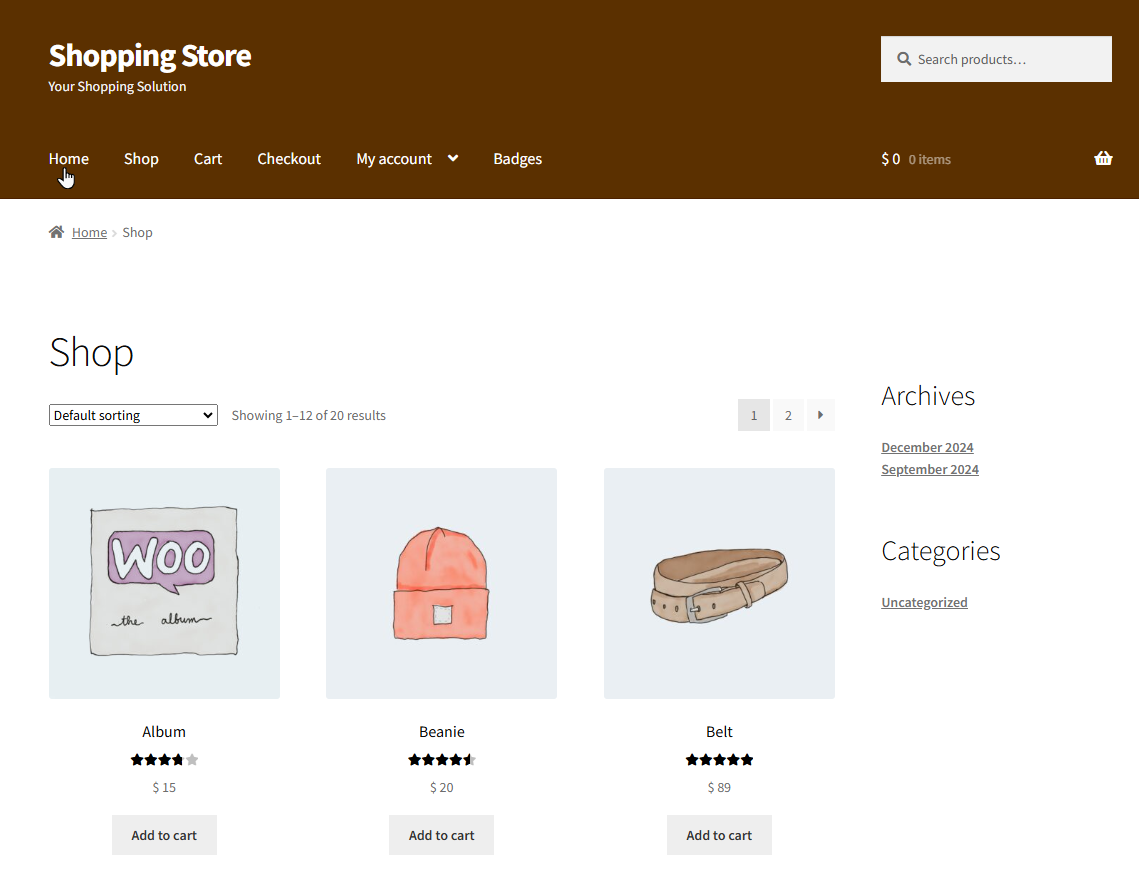
Go to the website.
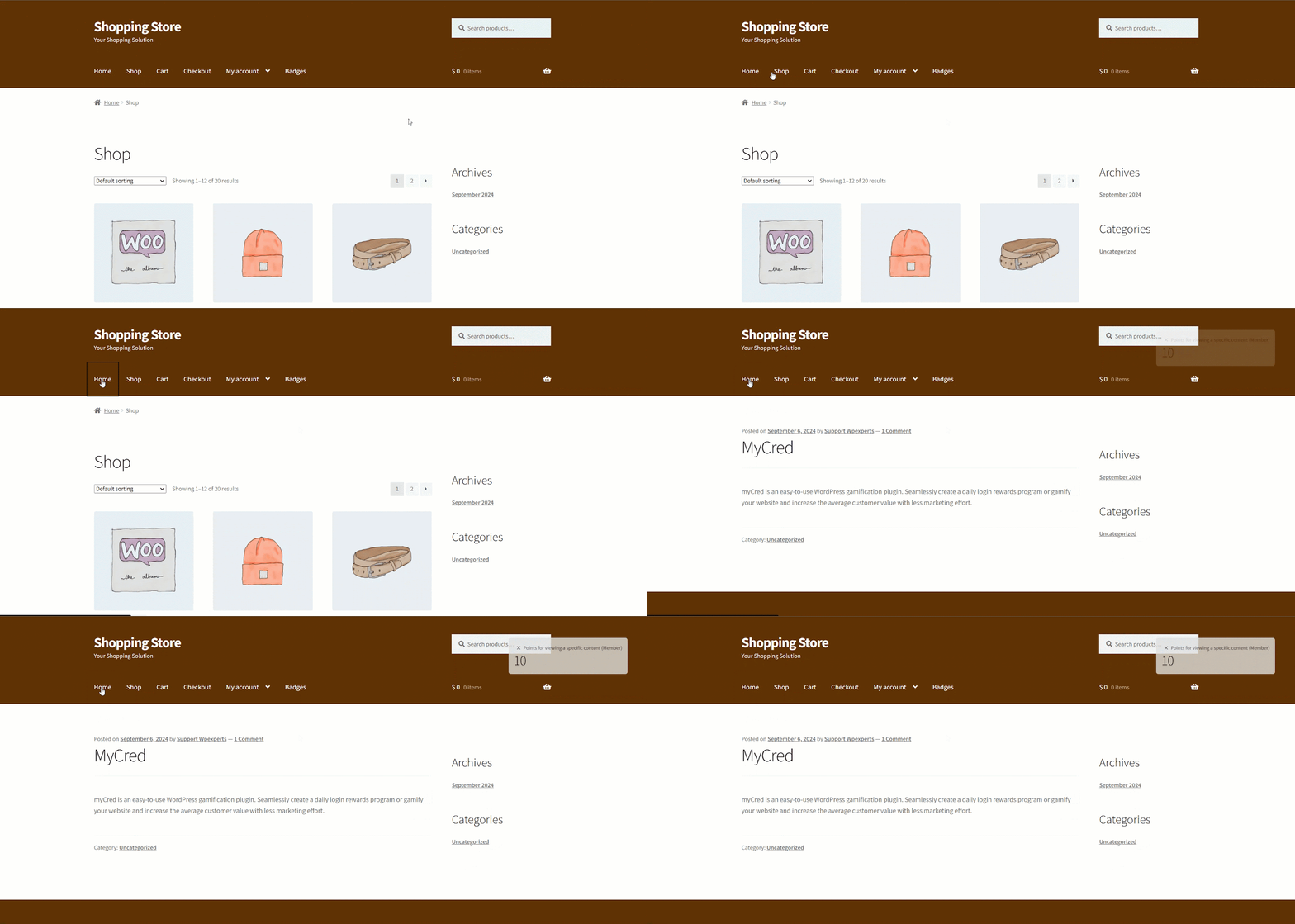
Navigate to the specified Post set in the hook’s backend settings.
Once on the page where the post is added, the member will be rewarded.
Note: The member can only receive points once for viewing specific content.